


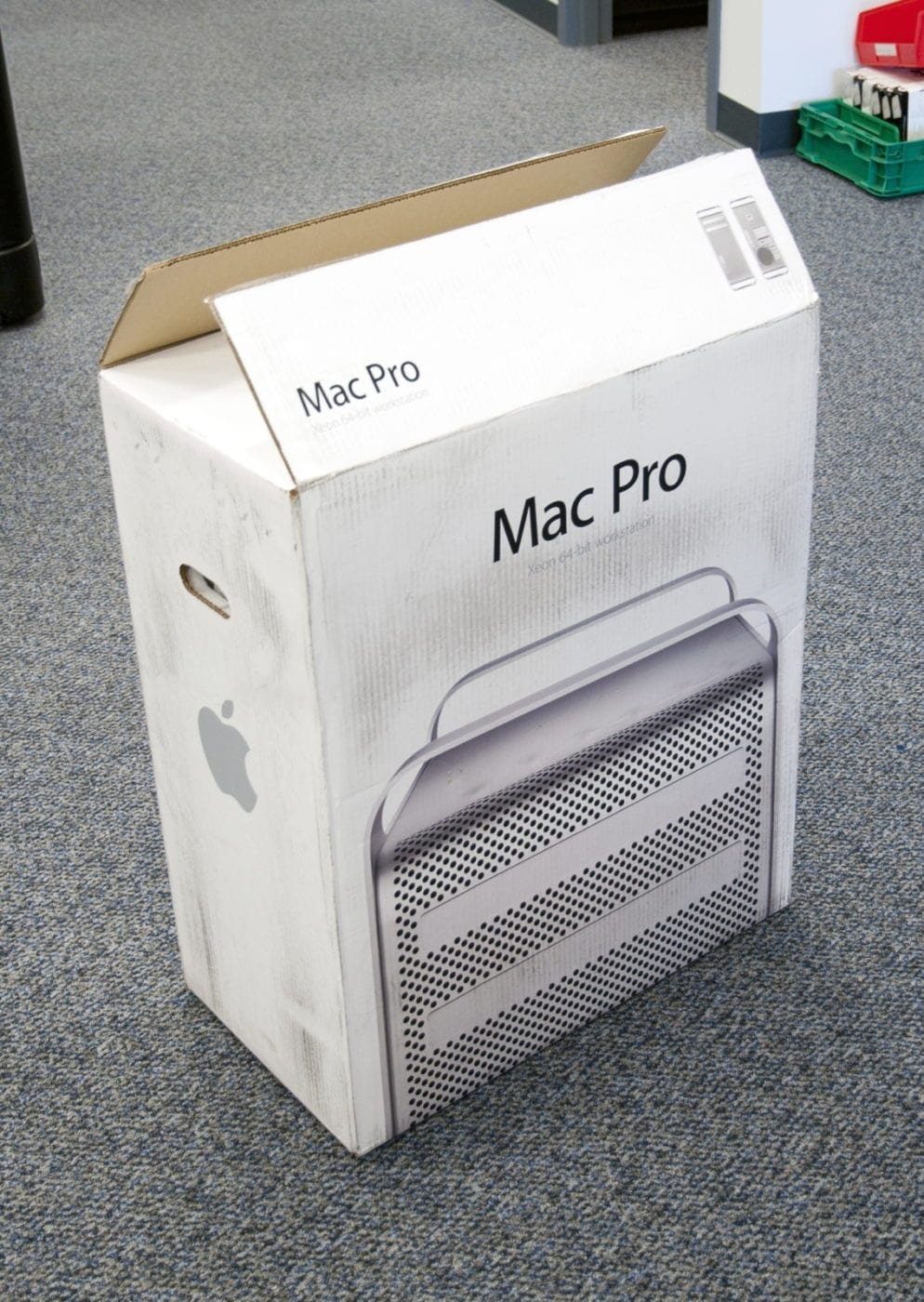
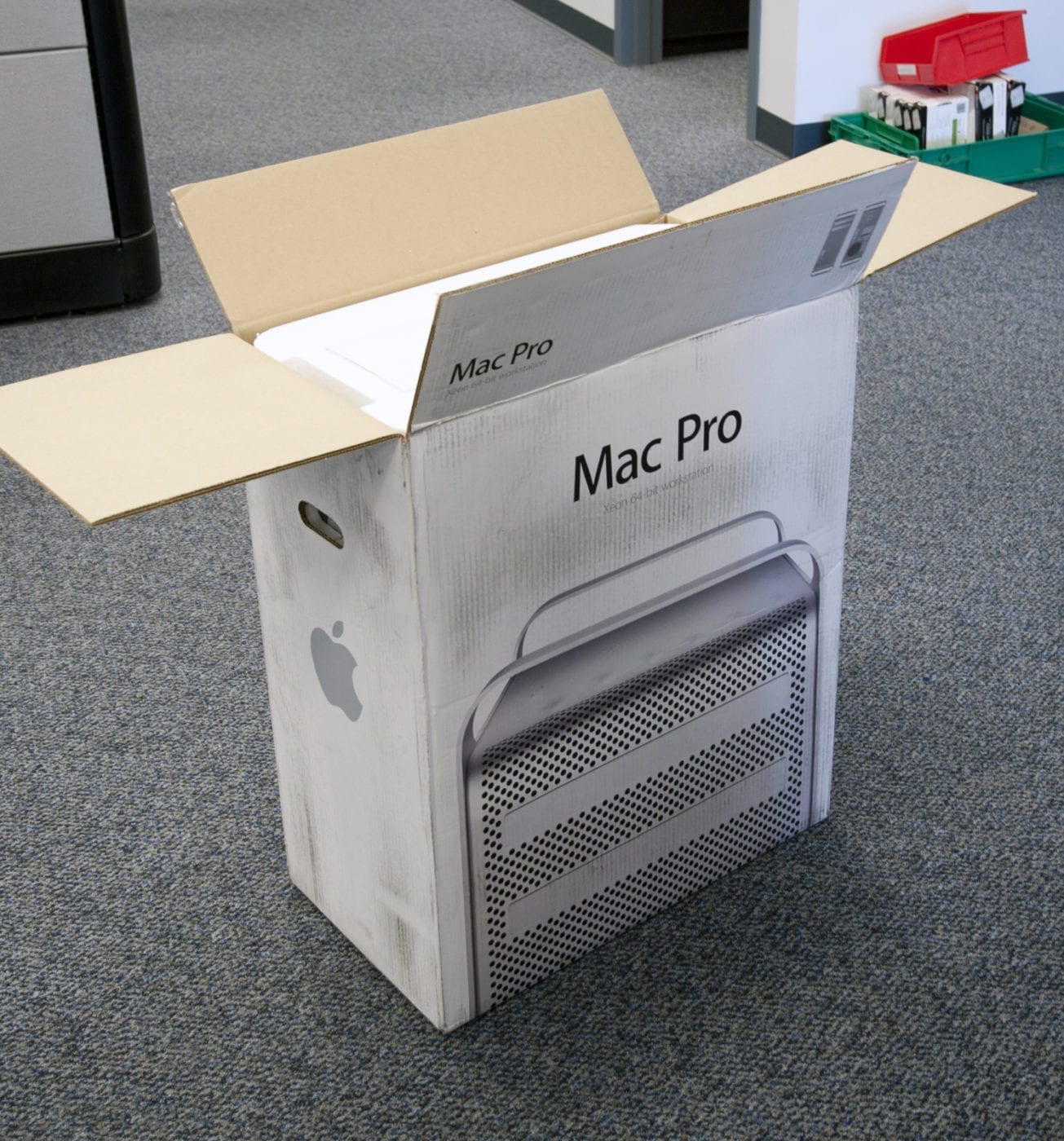
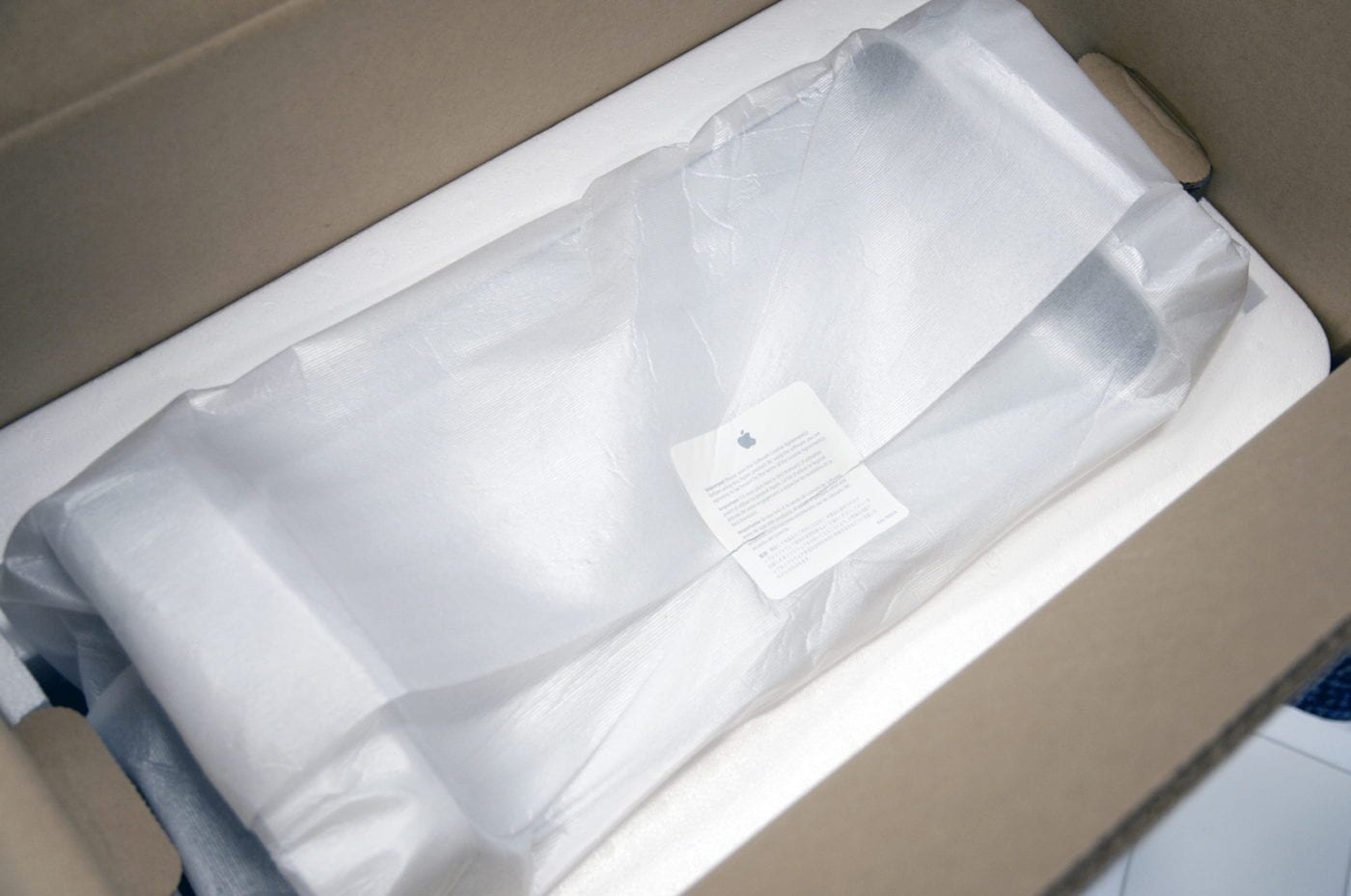
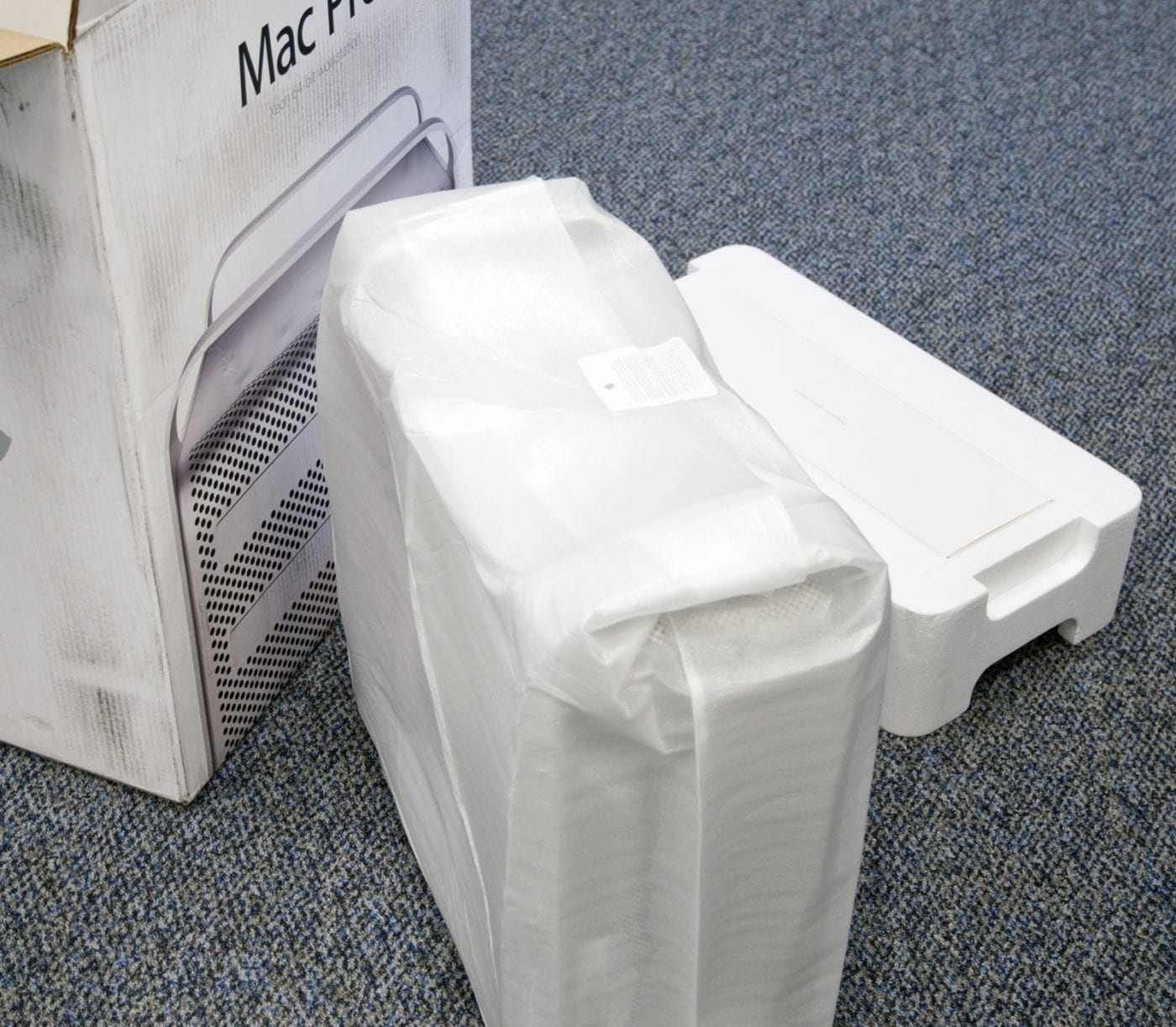
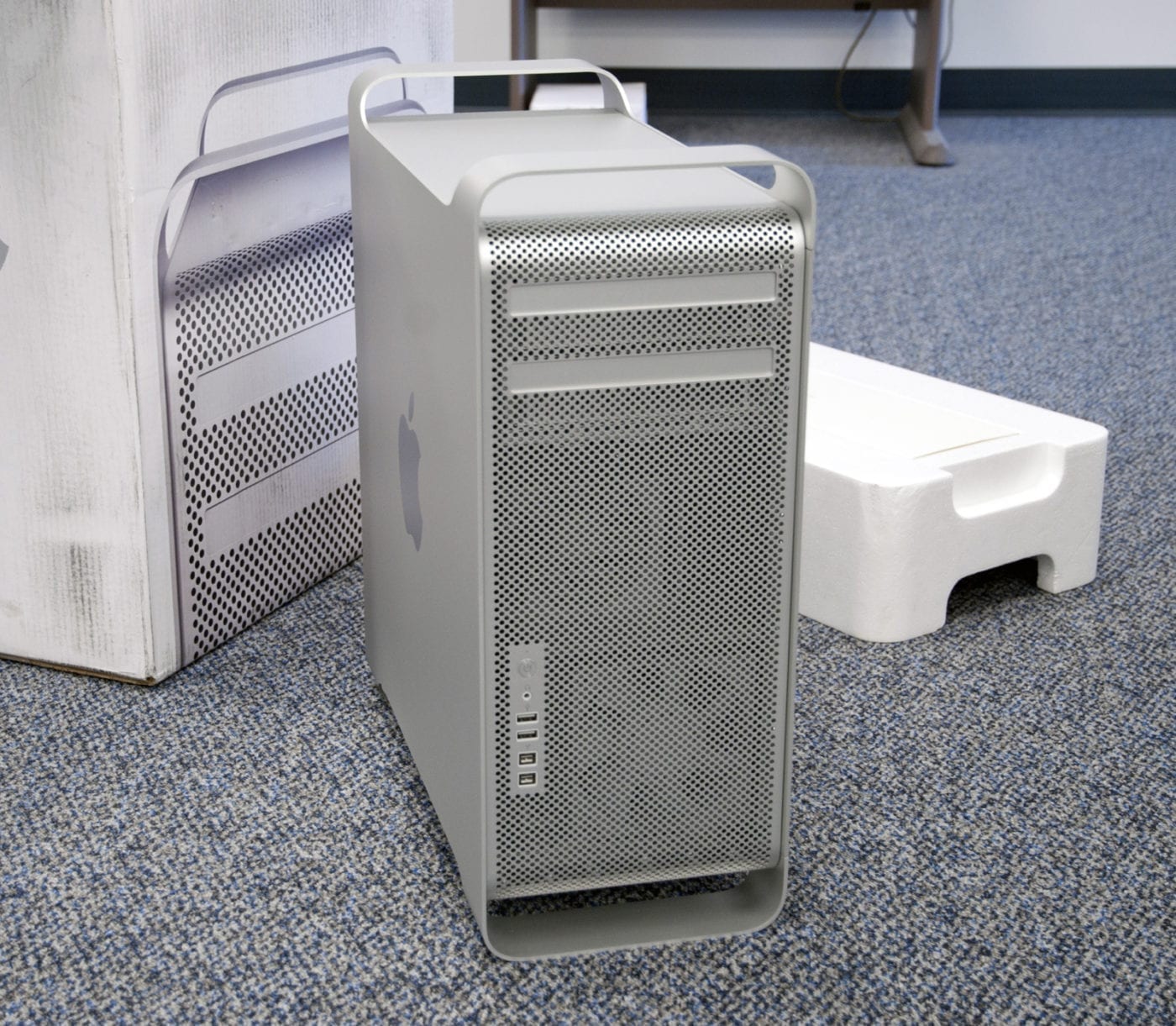
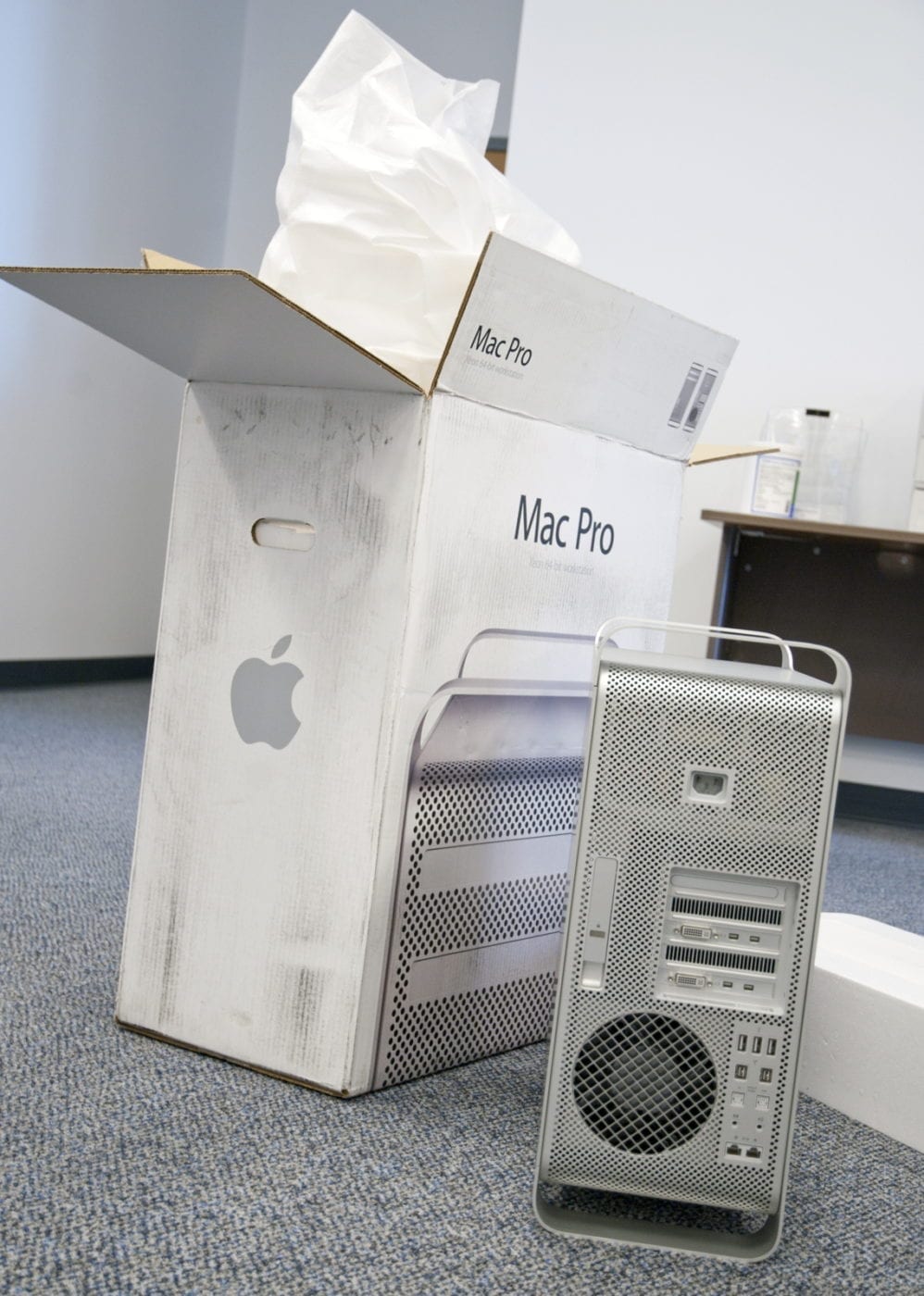
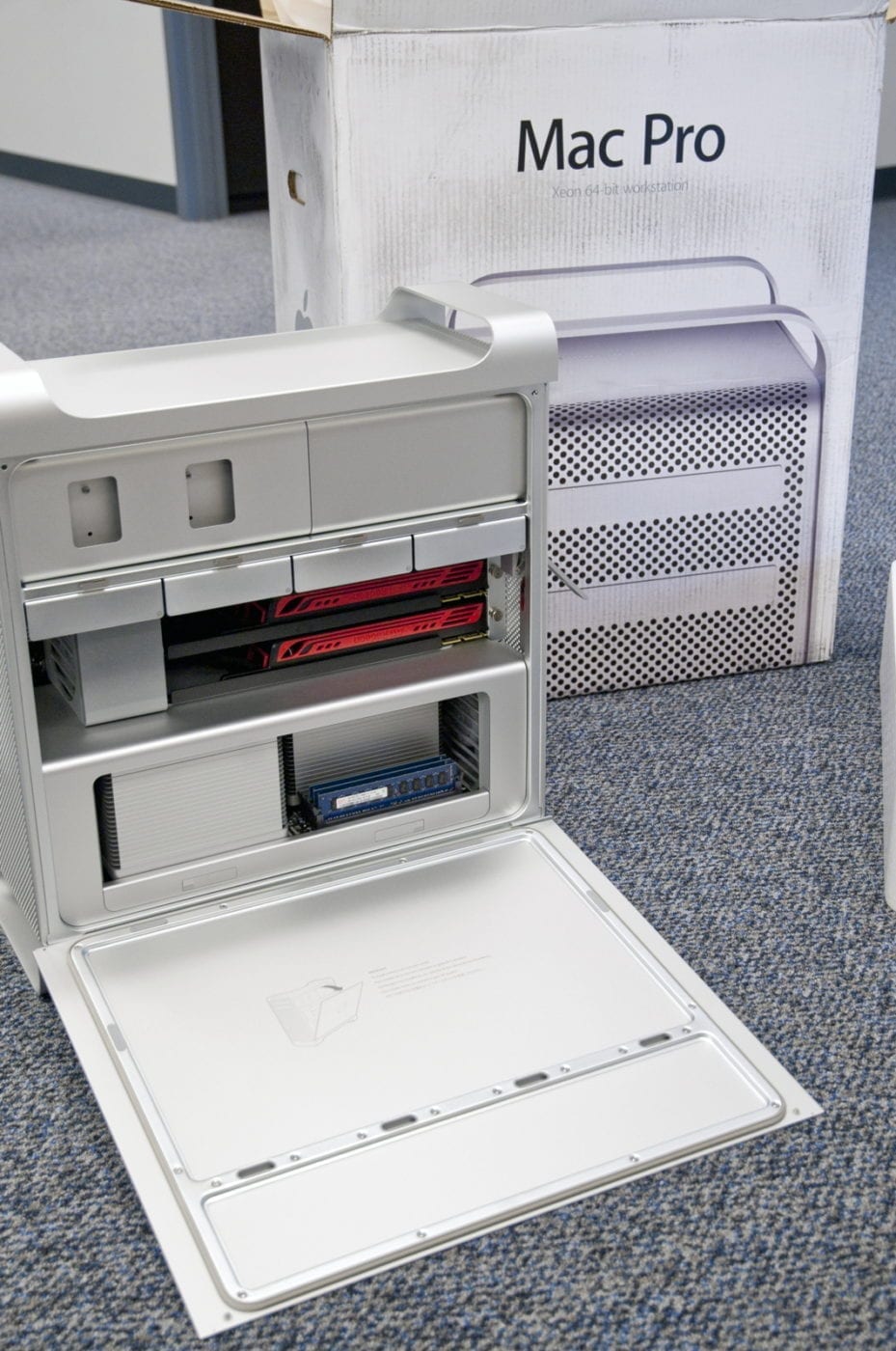
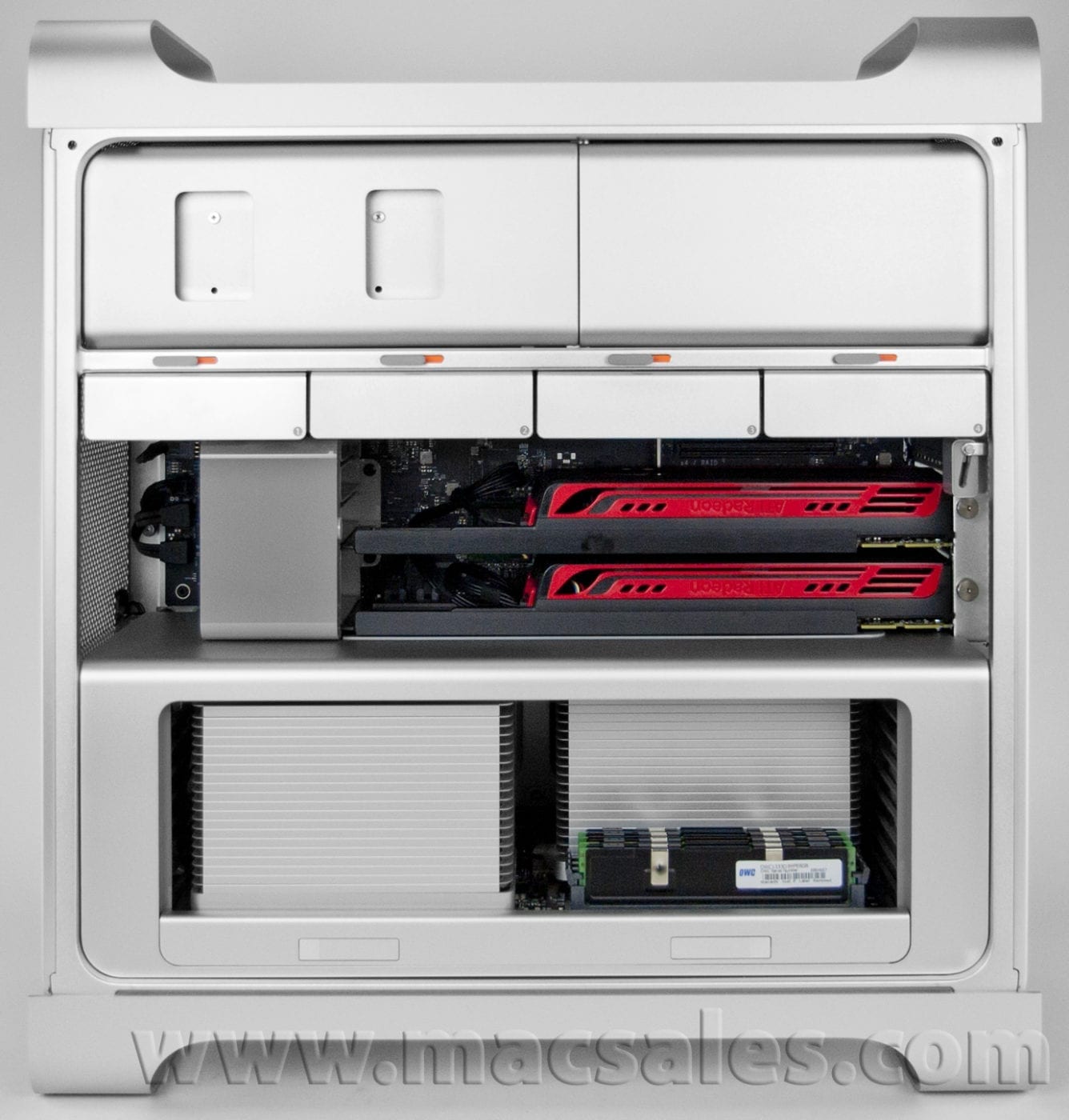
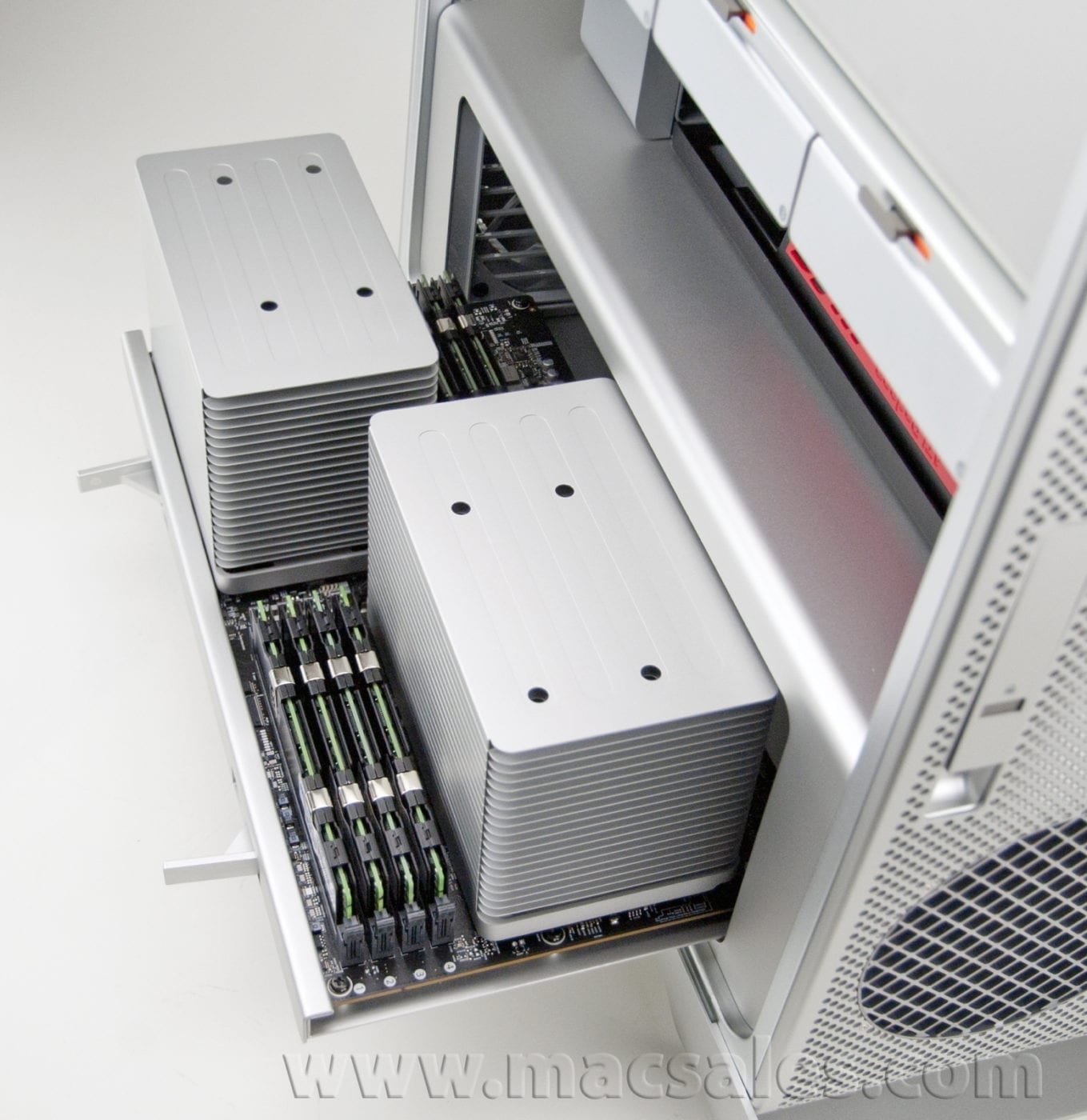
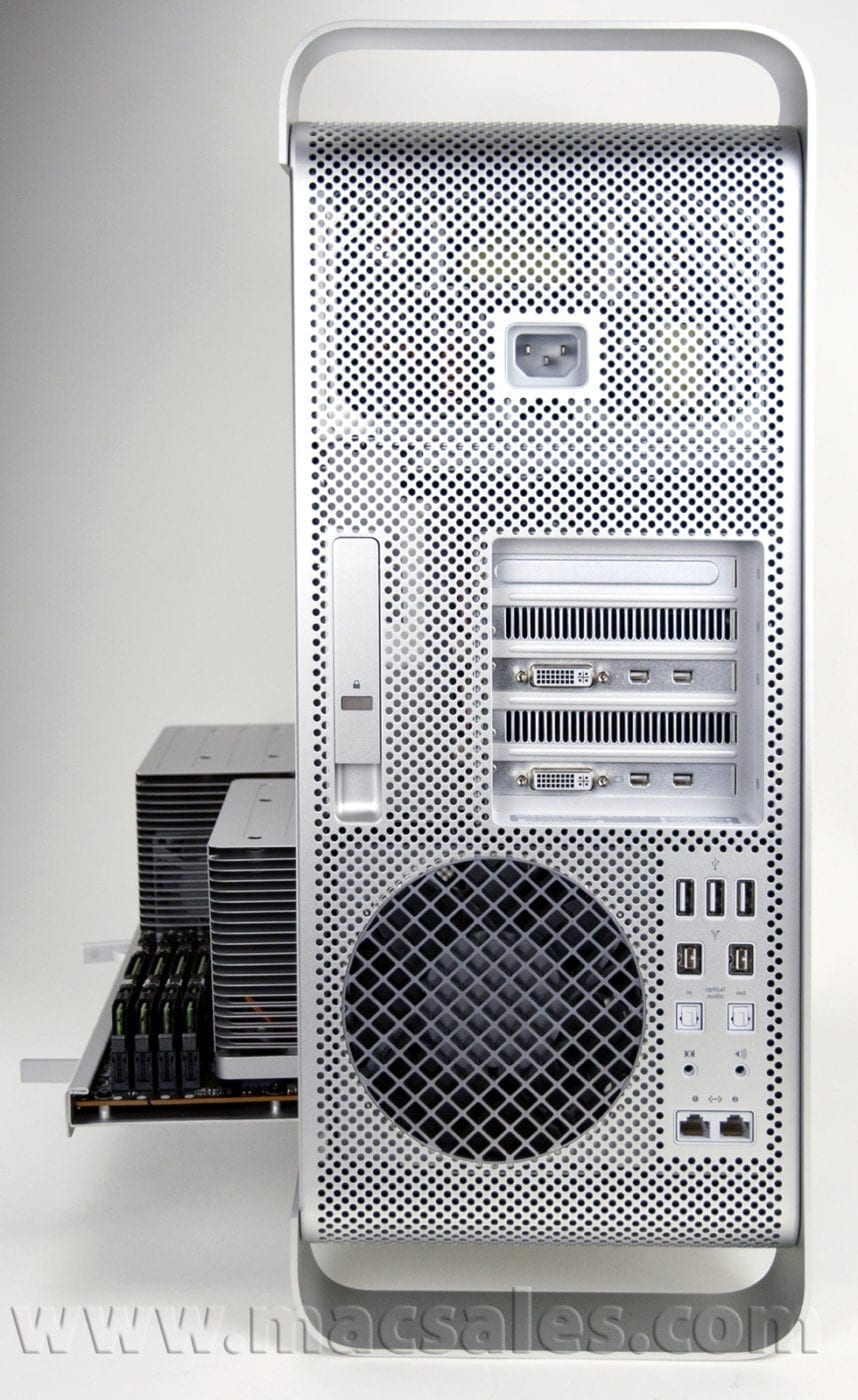
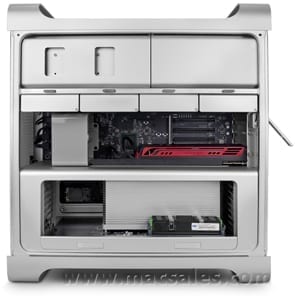
We just got our shipment of the latest Mac Pro machines from Apple which means The OWC Lab is hard at work testing, benchmarking and verifying our line of products. We took some unboxing photos and we now present a first look at the Mac Pro Mid 2010 12 Core 2.66 GHz:
 |
 |
 |
 |
 |
 |
 |
 |
 |
 |
 |
 |
 |
 |
 |
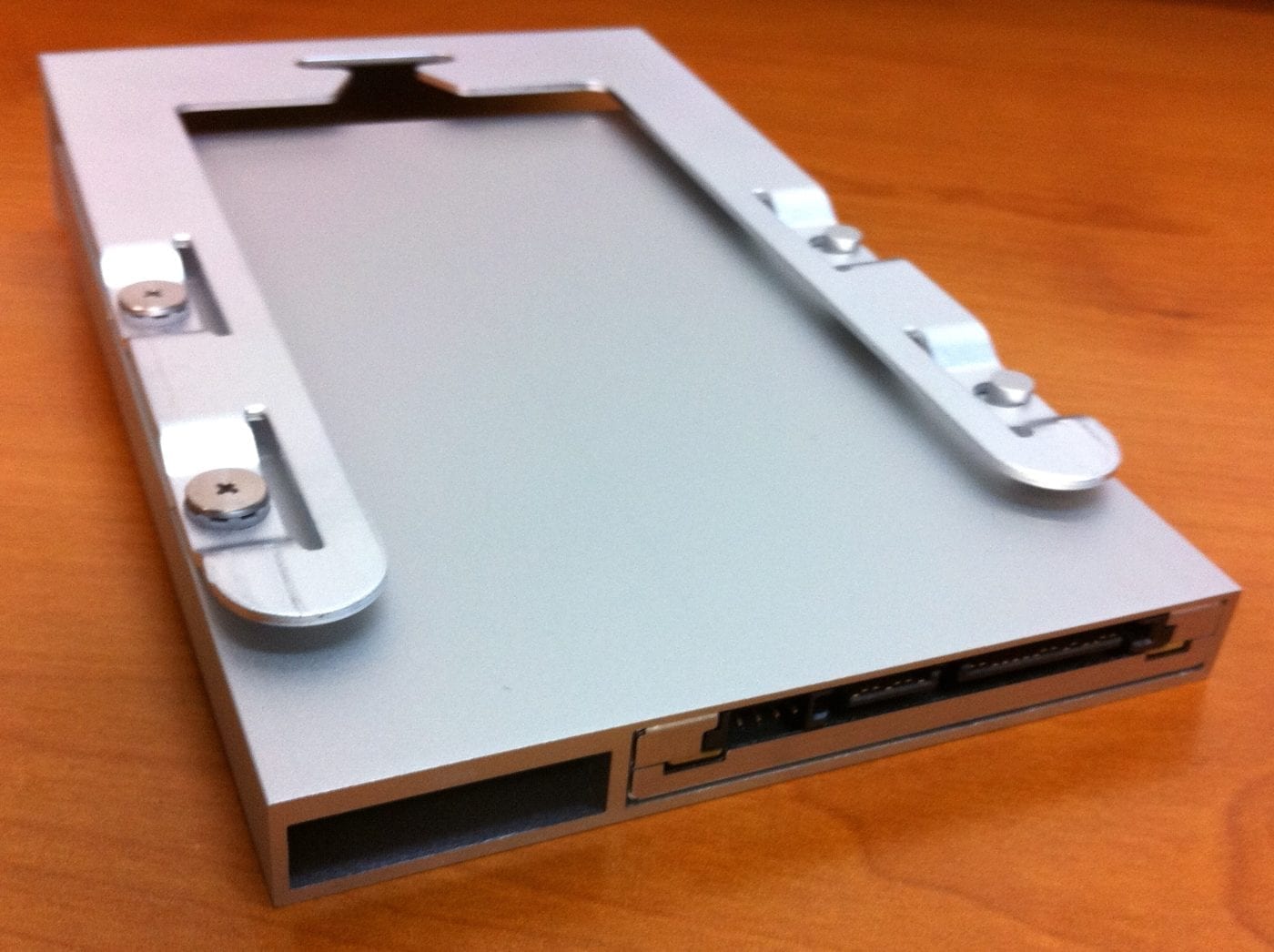
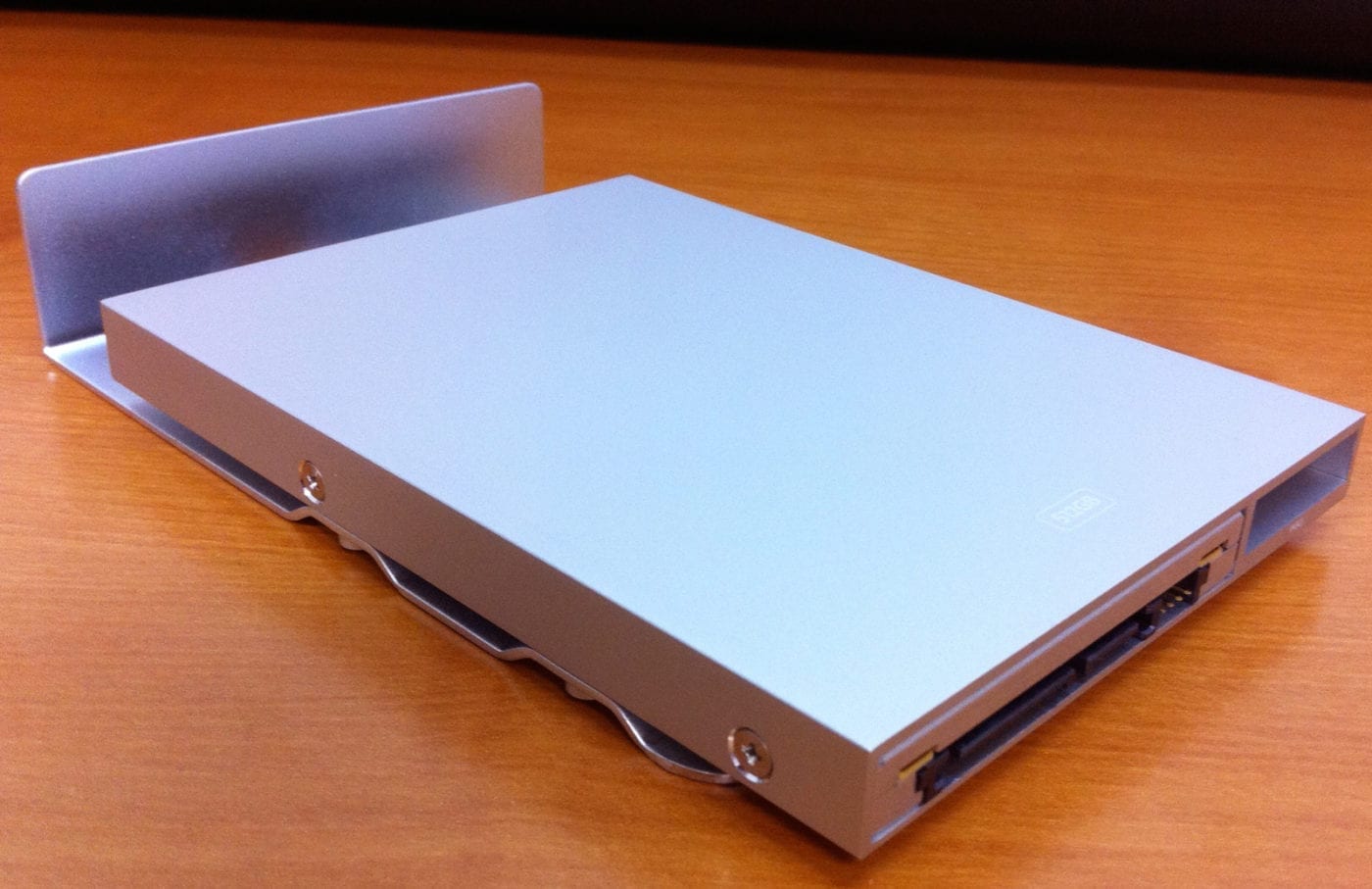
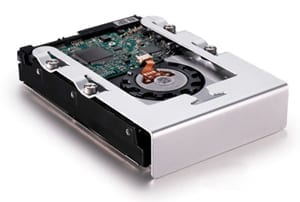
Update: We have received our SSD option machine so here are some quick photos of Apple’s SSD drive sled.
 |
 |
 |
 |
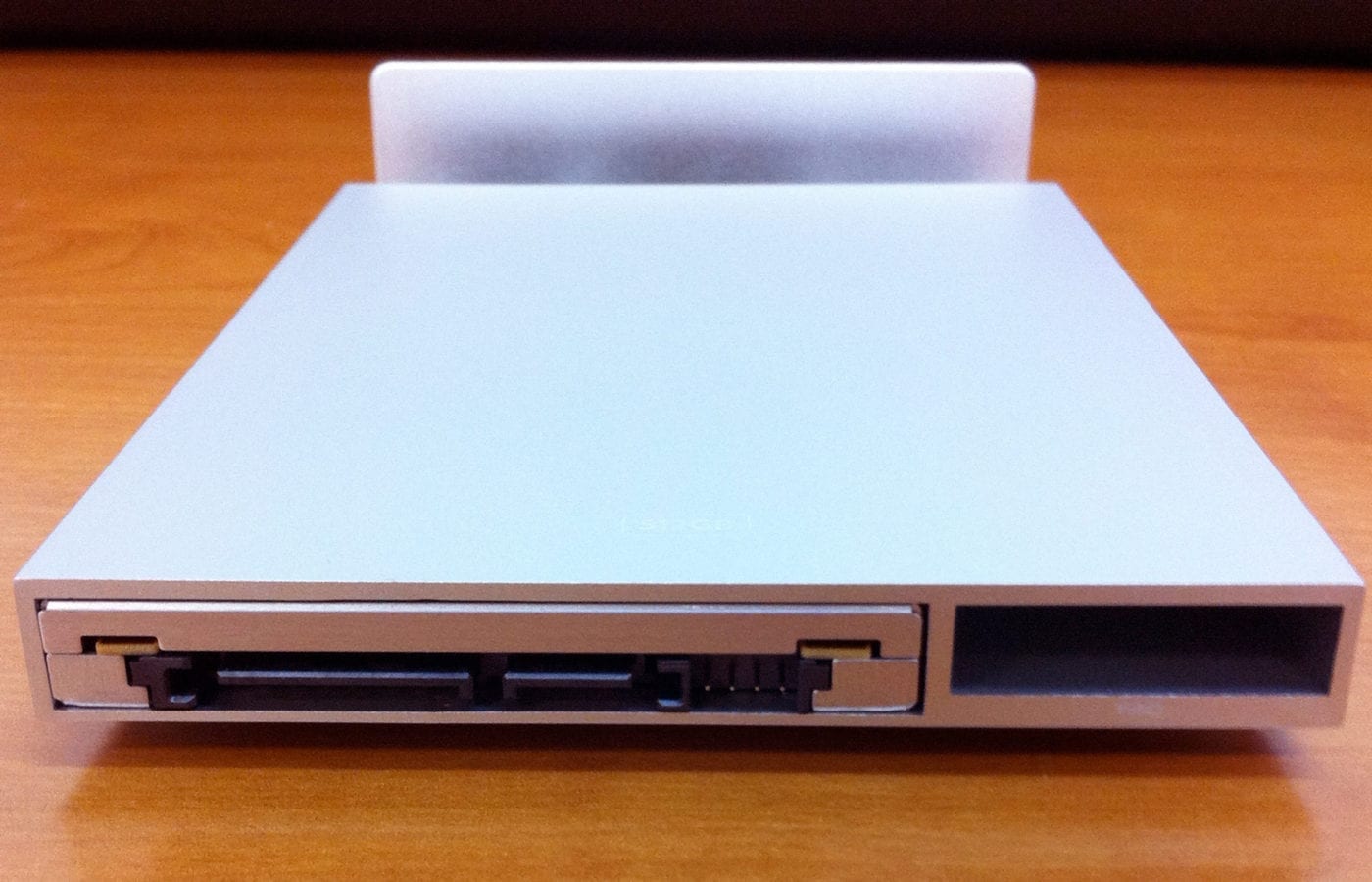 |
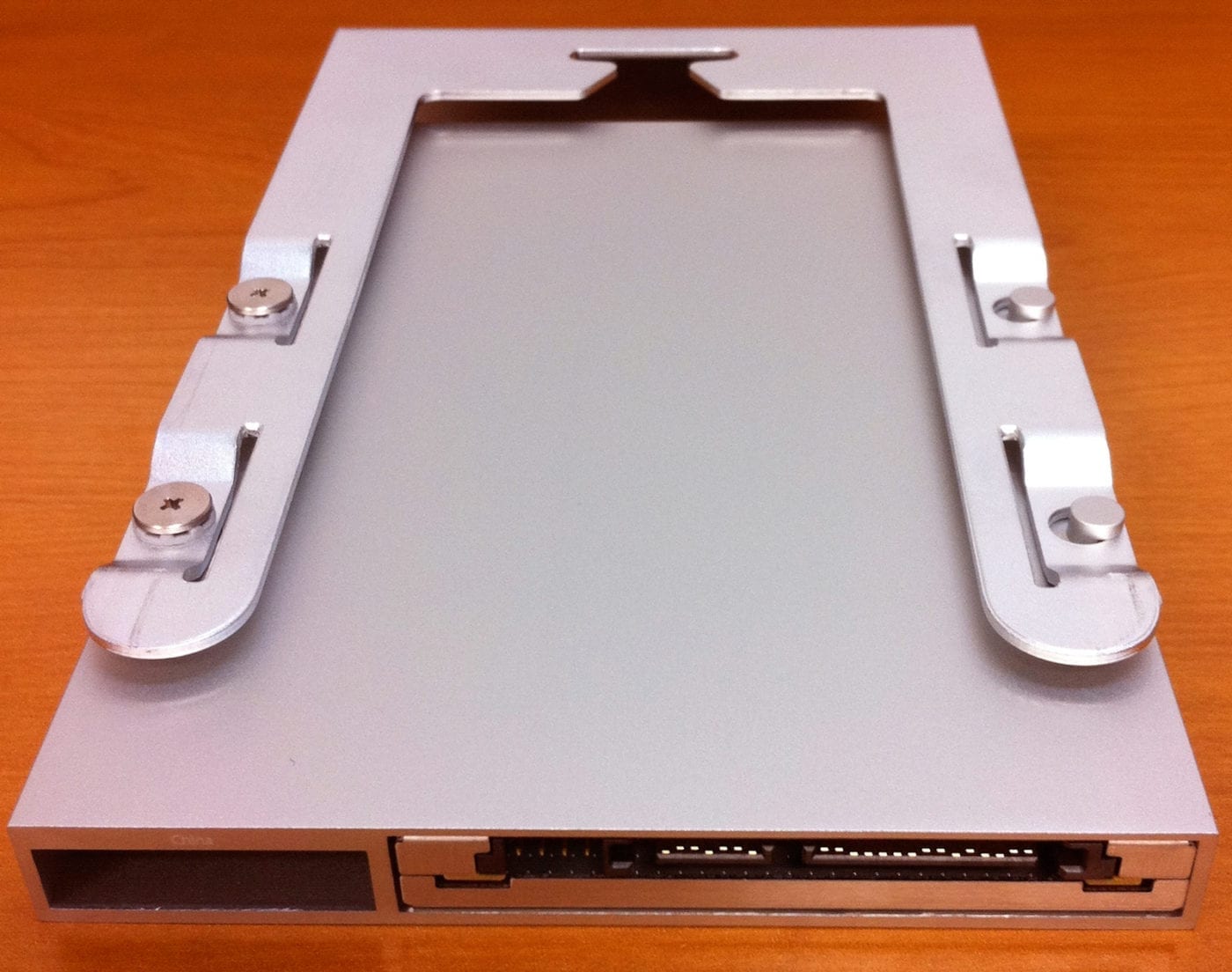 |
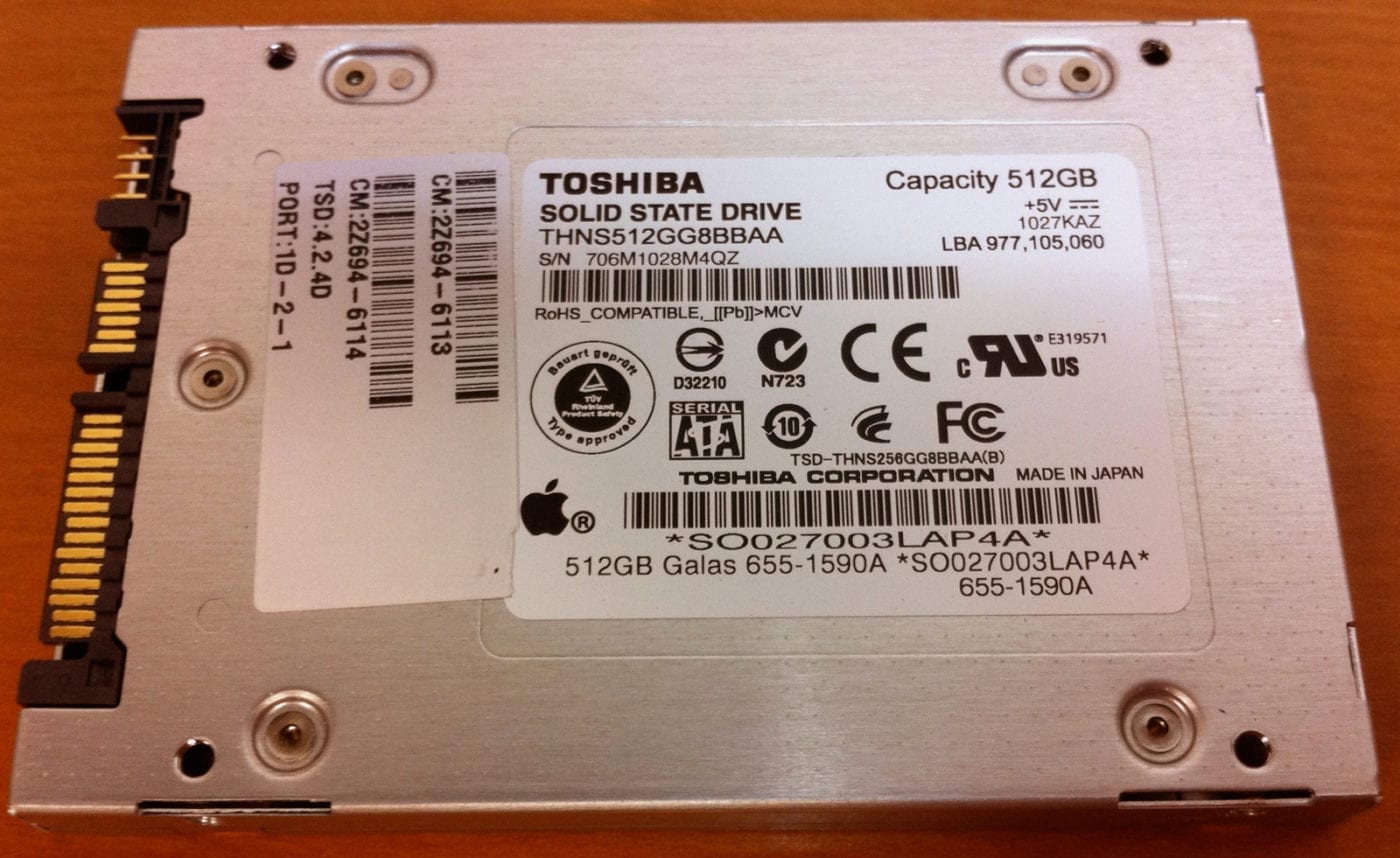 |
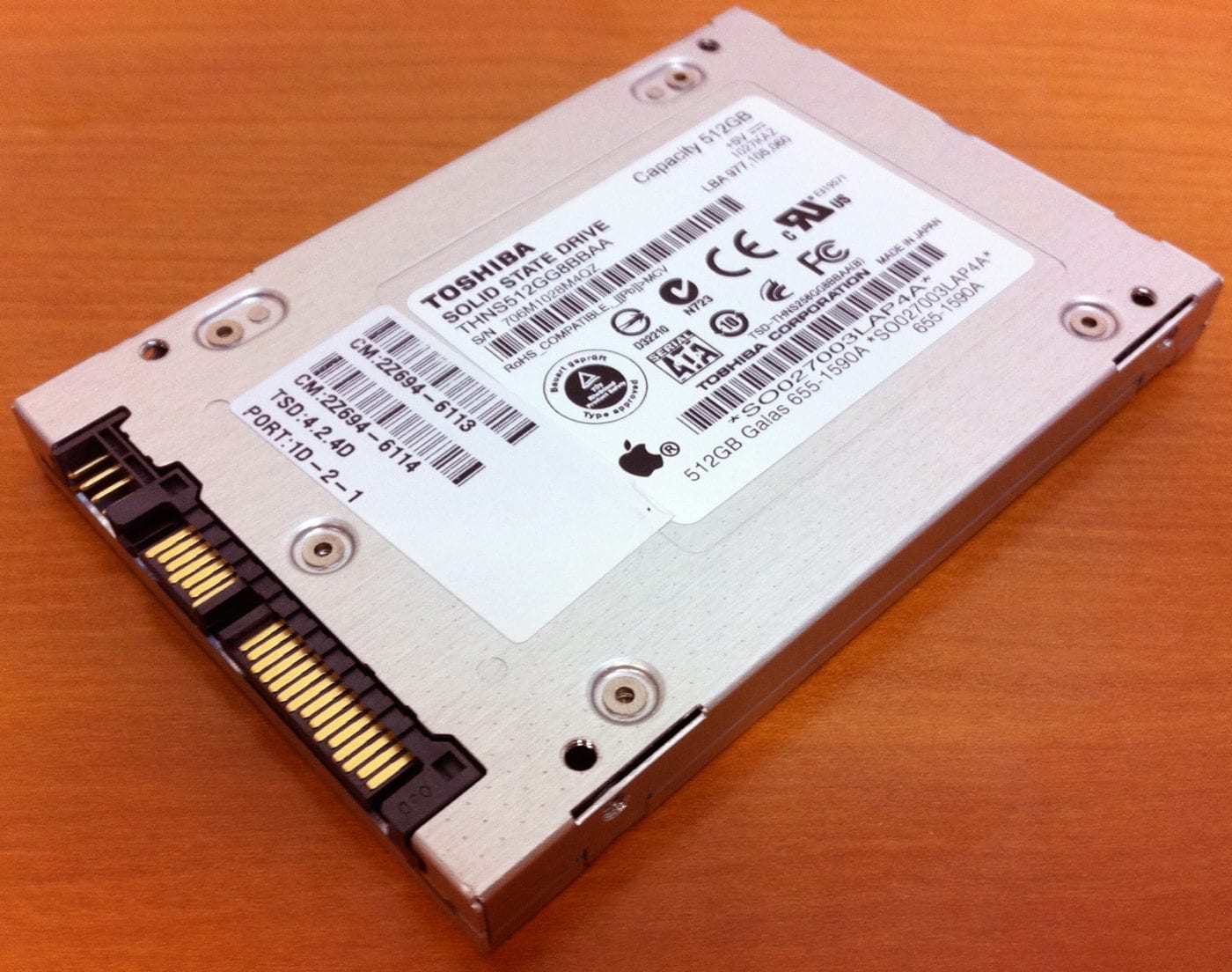 |
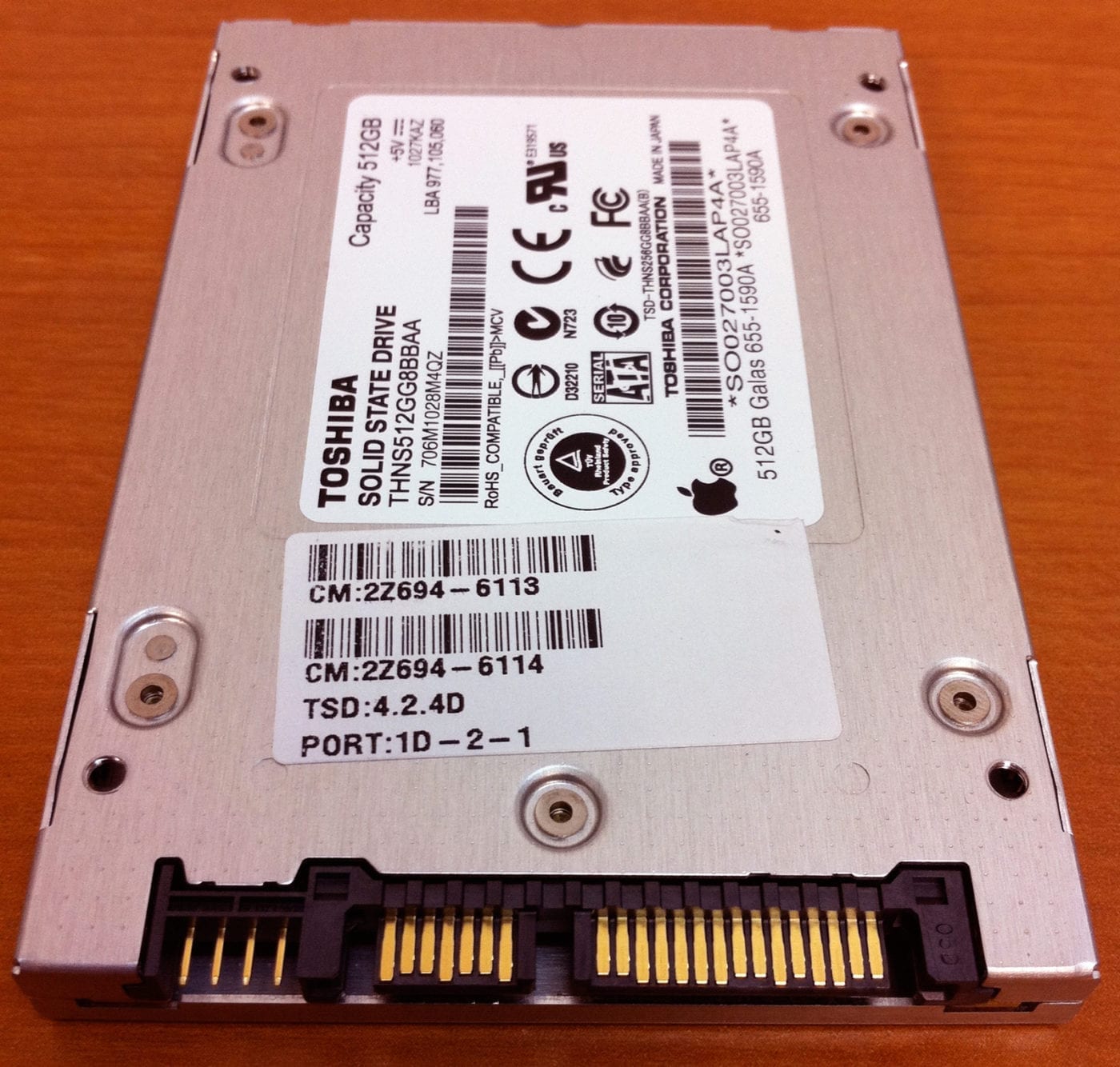 |
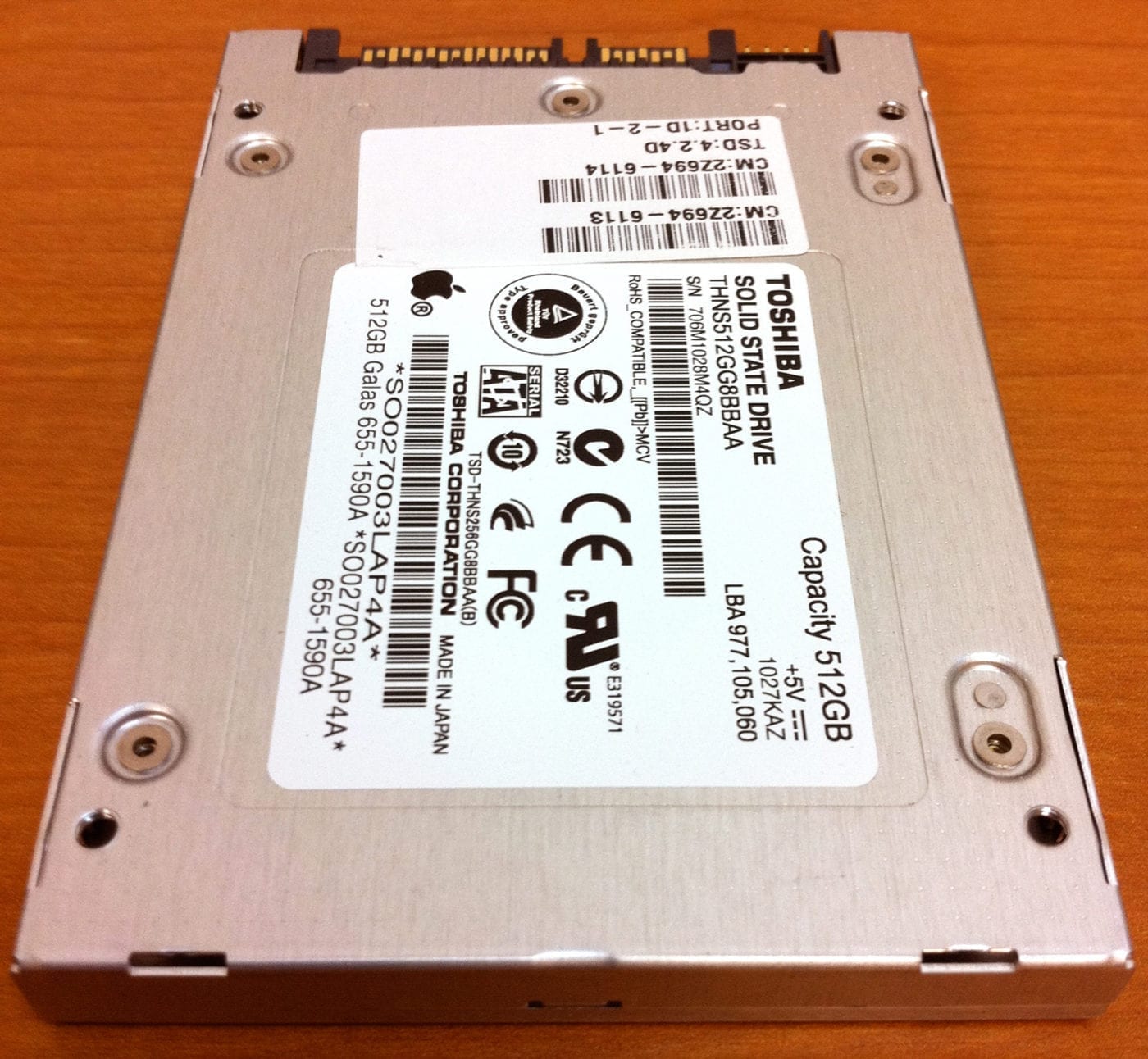 |
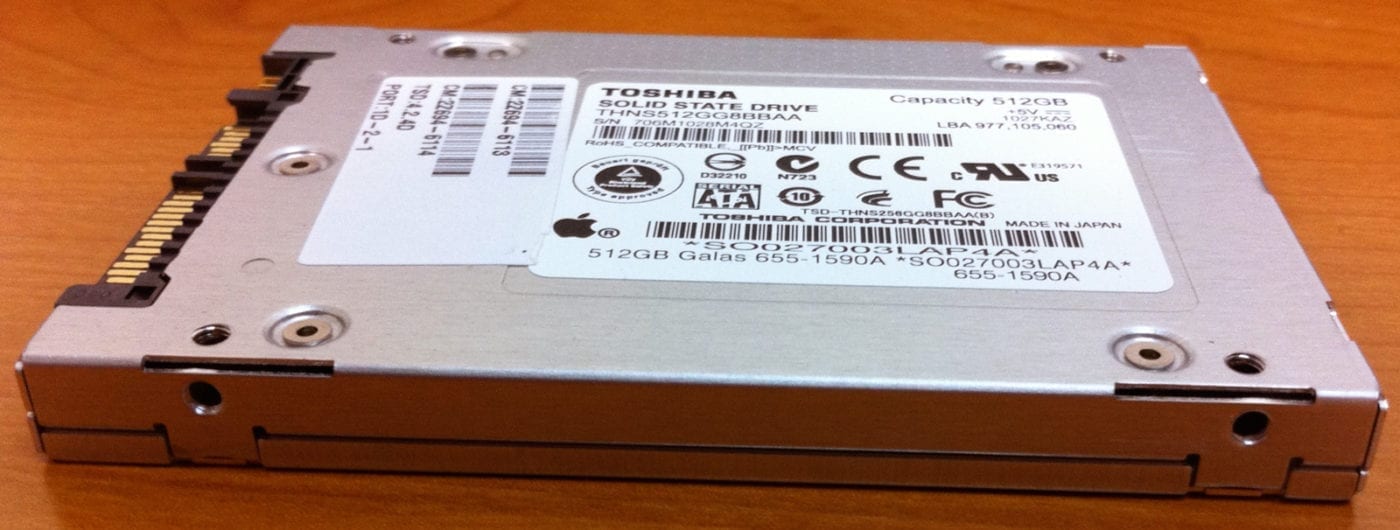 |
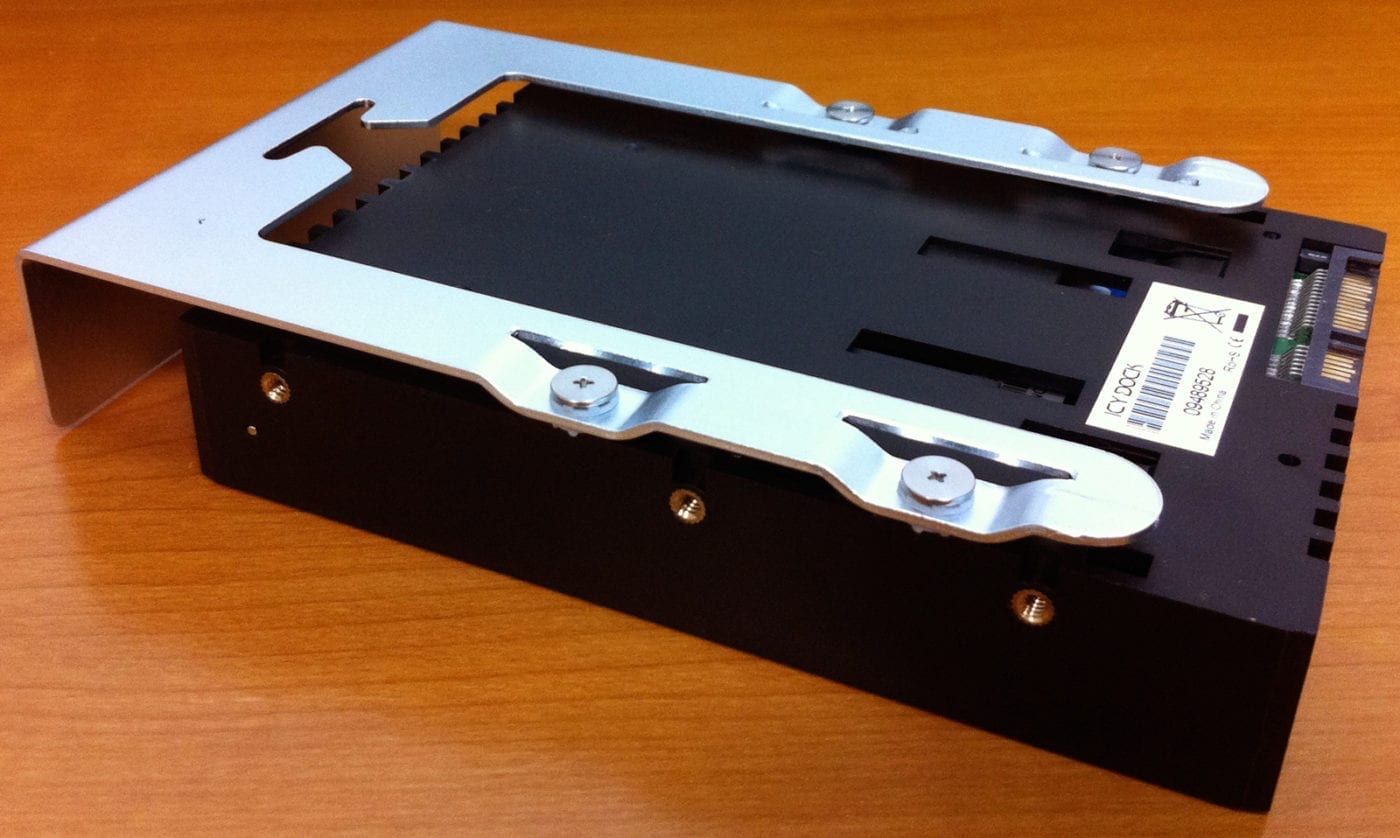
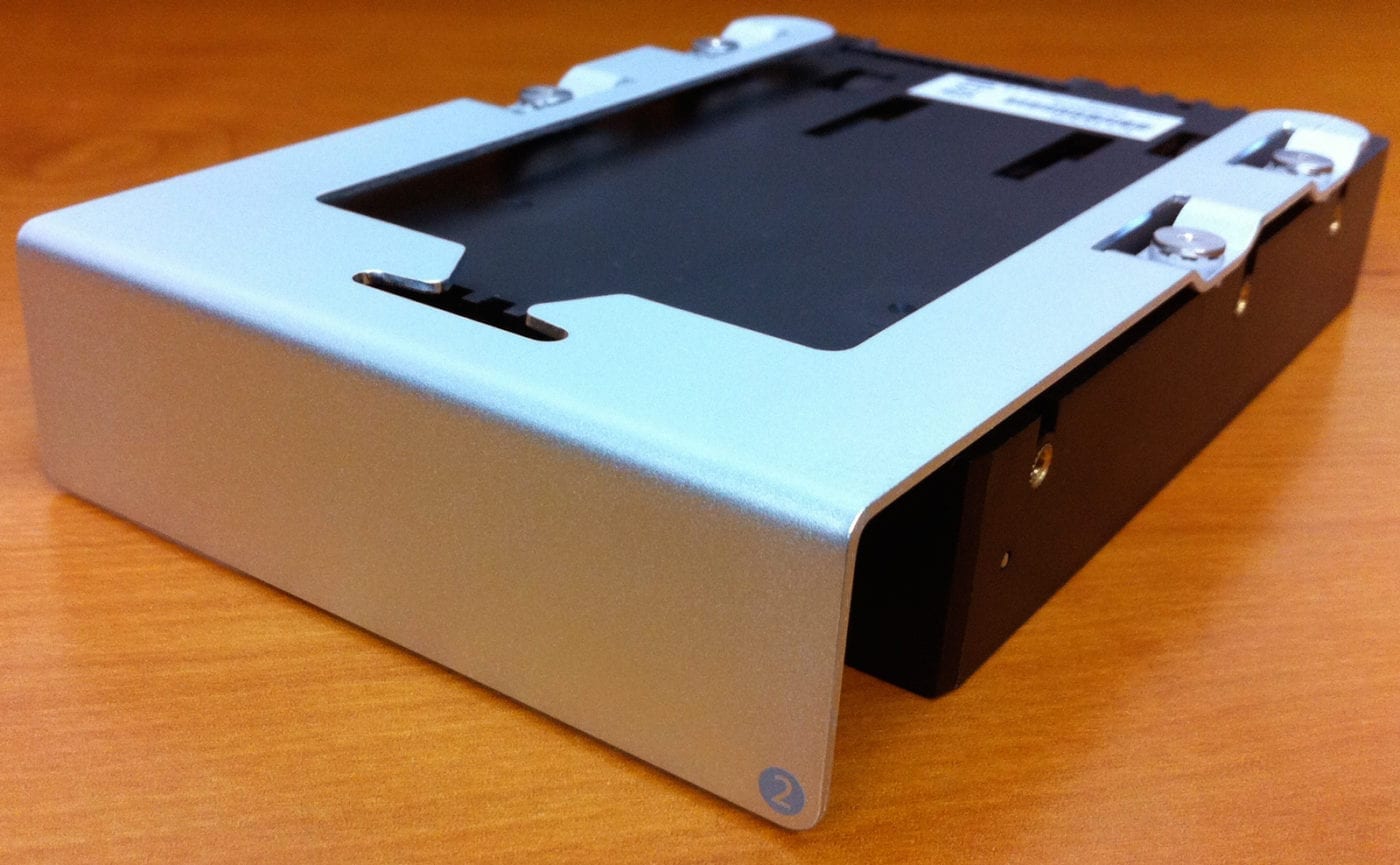
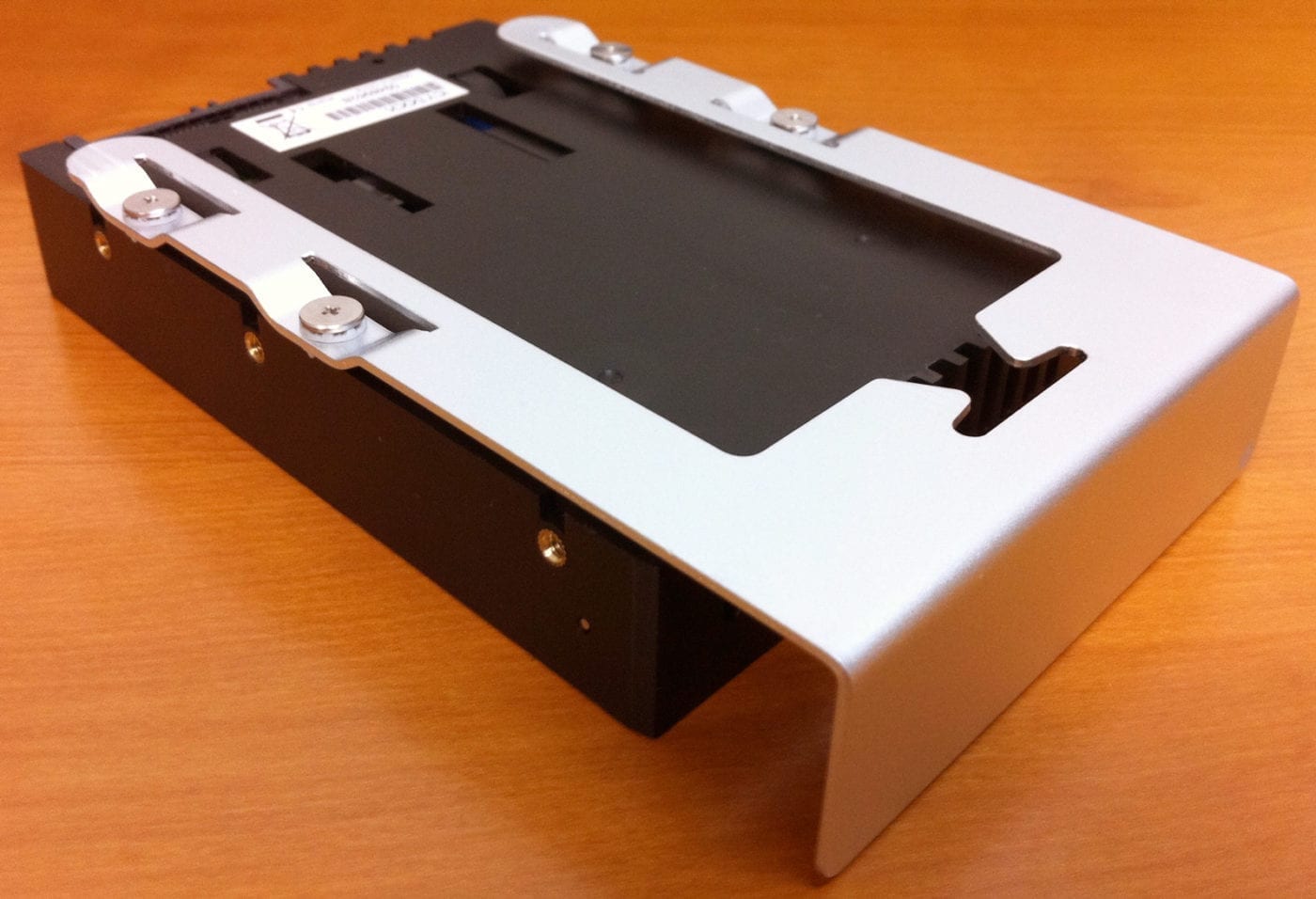
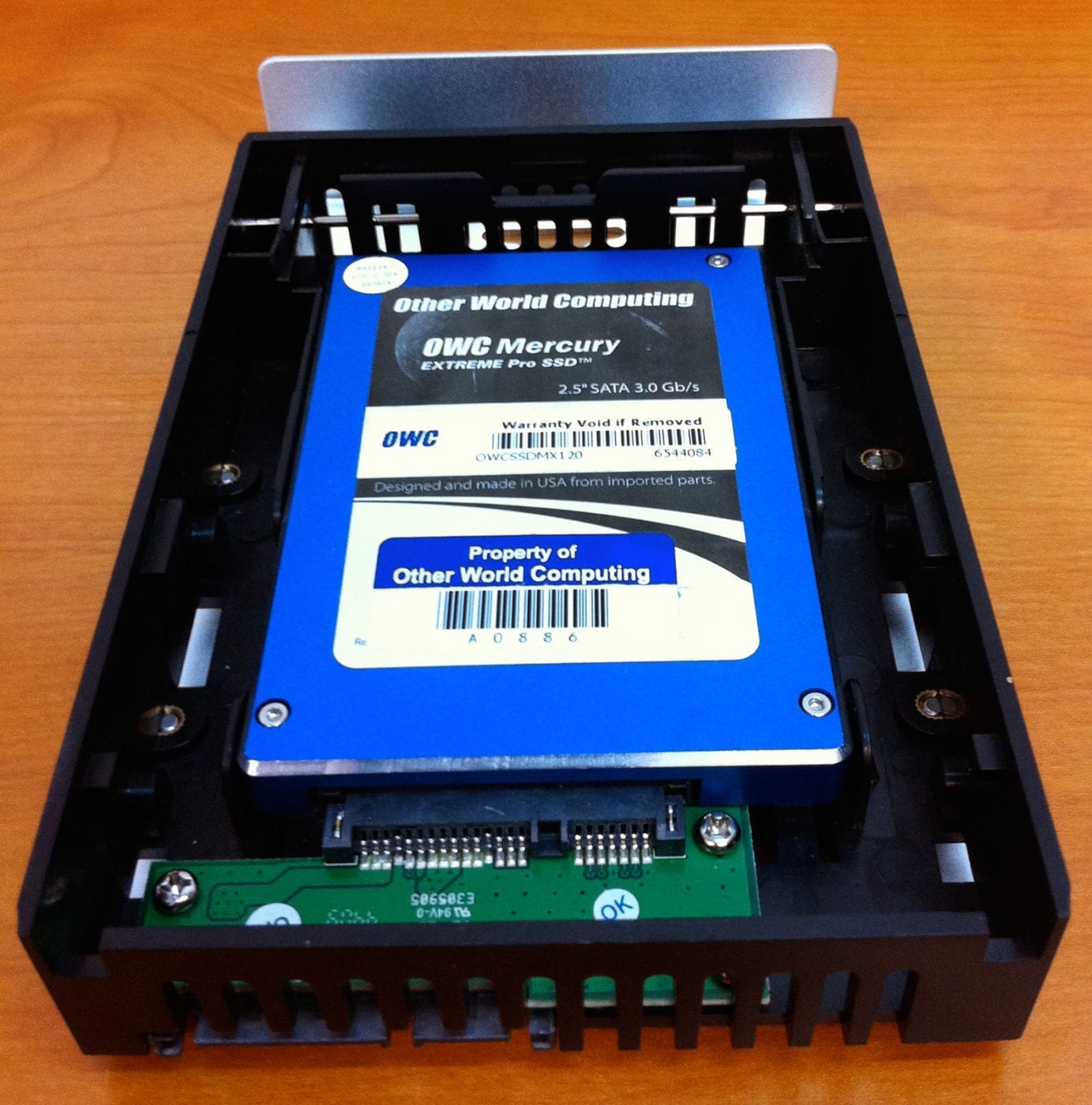
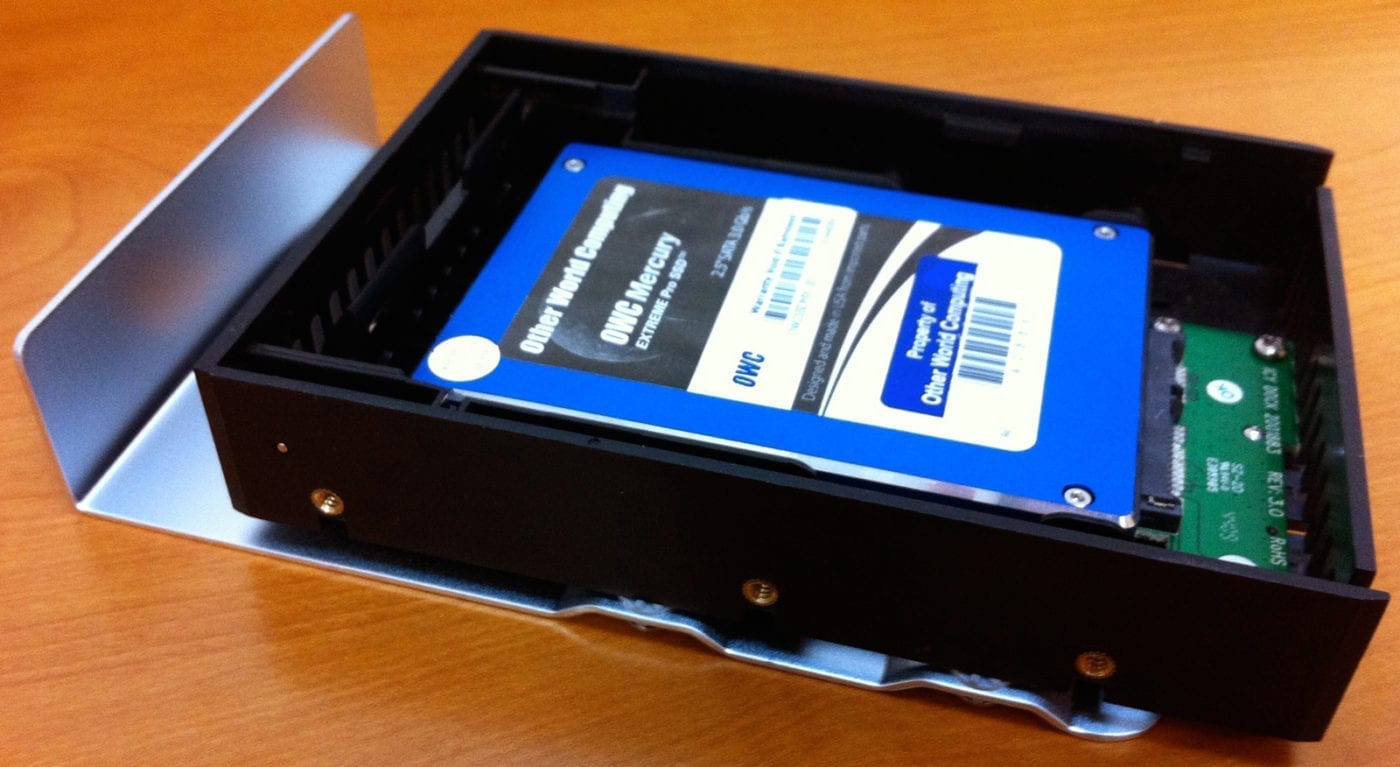
And a few more shots adding the OWC Mercury Extreme Pro SSD to both Apple’s sled or to the Icy Dock drive adapter.
 |
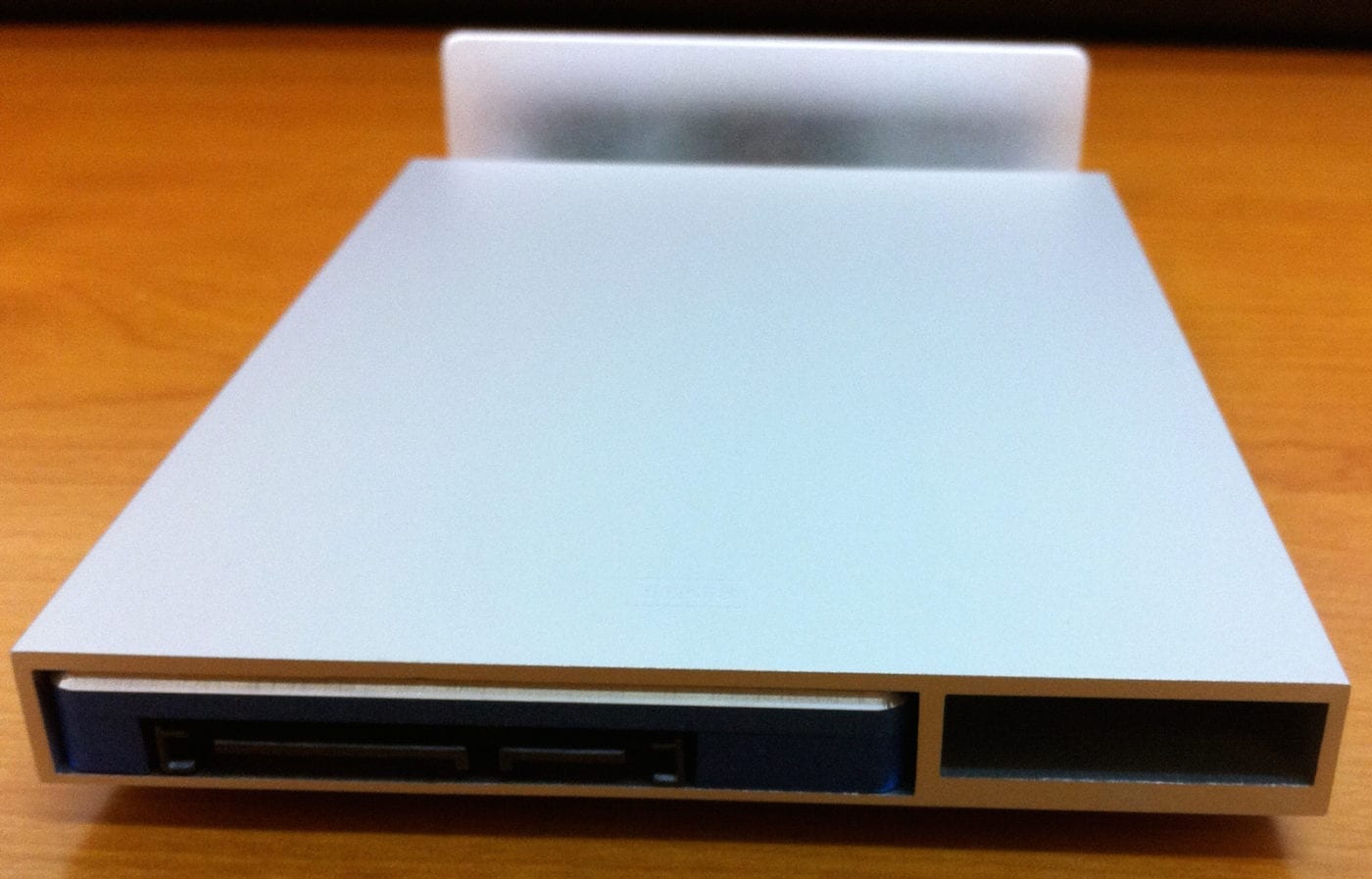 |
 |
 |
 |
 |
 |
 |



@Nadav primary
Hello,
Wow,
that sounds great. But how do you manage to get a the processor board for 50$ ???
The replacement boards stand about 700$ and more?
Dino
Nadav, at the time OWC Chris S made that comment, we simply pulled a 5,1 processor board and plugged it into a 4,1 machine with no further testing at that time. As the result was not a seamless, plug and play experience he certainly wouldn’t go out and proclaim to the world that the swap was (or was not) ever going to be possible, he simply commented that at the time of his comment we wouldn’t recommend that our customers spend the money on a new processor that might not work.
That said, once our product development team started really delving into these machines, magic started to happen and the OWC Turnkey Upgrade Program for Apple Mac Pro was born and now OWC offers upgrades on all 4,1 and 5,1 Mac Pros with processor upgrades available up to 3.33GHz 12-core.
This is in response to message number: 26 OWC Chris..
Dear Chris,
I beg to disagree with you.. I actually took the plunge and bought for 300 dollars(250 for the backplane board and 50 for the processor board) the parts needed to have 2010 firmware in my 09 mac pro.. The results are now in: I am running 5,1 on my 09 mac pro.. it is still 09 because the serial number was never changed, though I am trying to see if I can get that done. The installation was a breeze.. My processor currently is the w3580 with now 1333 mhz memory.. YES, YOU READ THAT RIGHT… 1333!!! Full westmere capability though I am not running the B1 at the moment. I am waiting for the 6-core w3680 to come down in price and then I plan on selling off my w3580 for like 750-800 dollars and I know a friend who works at Intel who can sell me the w3680 for like 800 dollars at his cost.
So, the verdict is that those with single processor based 09 mac pros only can easily do this upgrade.. I have done it and everything is working great on my machine… Here is a snapshot of my system profiler..
Mac Pro
Model Identifier: MacPro5,1
Processor Name: Quad-Core Intel Xeon
Processor Speed: 3,33 GHz
Number Of Processors: 1
Total Number Of Cores: 4
L2 Cache (per core): 256 KB
L3 Cache: 8 MB
Memory: 8 GB
Processor Interconnect Speed: 6.4 GT/s
Boot ROM Version: MP51.007F.B00
SMC Version (system): 1.39f11
SMC Version (processor tray): 1.39f11
ALL THIS FOR 300 DOLLARS!!! ANd I didn’t have to spend 4000 dollars for the “2010 mac pro”, or shall I say: 2009 with WESTMERE :)
One could mount a pair of SSD’s in the second optical bay using the OWC brackets correct, and connect those to the additional SATA ports that aren’t directly tied into the four drive ports, correct?
I’m looking to stick a pair of OWC SSD’s in and stripe them for my boot/app volume then use the four bays with 2TB drives in them, so I really want to be sure that I can fit the pair of SSD’s in the second optical bay and find a SATA port home for them.
Hello Bryan,
Yes, you could set that up utilizing both SATA ports that are designated for the optical drive bays on the 2010 Mac Pro model. However, that would require disconnecting the optical drive itself.
If you need the optical drive in addition to the two SSDs, you have two options:
You could add additional internal SATA ports to your Mac Pro with a PCI card such as the Sonnet Tempo SATA E4i (and don’t forget you’ll need the appropriate SATA cables and a power cable to go along with it)
or
You could opt for the Stardom Pro Drive Dual 2.5″ Bay Adapter installed in one of the Mac Pro hard drive bays, and move one of your 2TB drives to the optical bay with the OWC Multi-Mount: 3.5″ to 5.25″ Hard Drive adapter bracket set
In response 26, OWC chris S says about attempting an upgrade from an ’09 to a ’10:
>
As cool as that would be, they’re not the same motherboard.
While the layout inside is markedly similar, there are enough key differences that we really wouldn’t recommend trying it.
>
So I ordered a ’10 even though I have an ’09 octo.
Now having just received my ’10 I catch wind that OWC seems to be offering a service to do what was said to not be recommended:
http://eshop.macsales.com/shop/turnkey/MacPro/2009_2010_Xeon_Processor/
Ouch!
This has cost me some serious $,$$$’s I’d rather not have spent in preference for this upgrade.
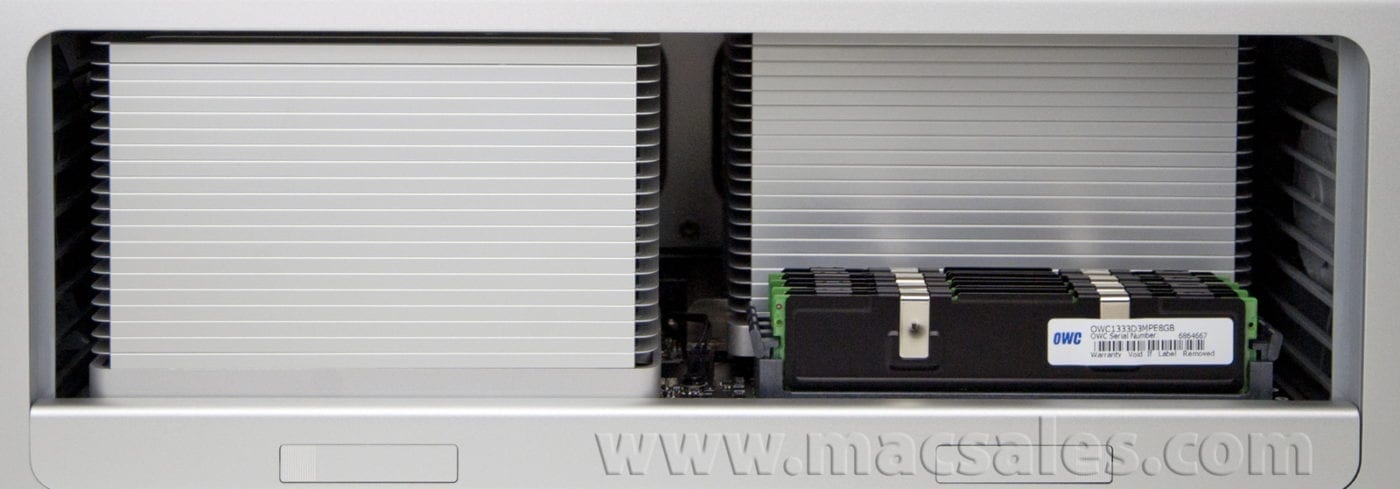
My goodness – look at those heat sinks! It reminds me of my 2004 MDD Power Mac G4 which had those enormous copper heat sinks.
It’s so beautiful – got me dreaming again!
With no intent to insult the intelligentsia, but in the 13th and 14th pictures, ( read from top left to bottom right) What are those pair of staggered striated structures? (don’t see that alliteration too often, do you?) are they a backplane, a nest of drives, or what. Thanks.
Those are the processors and the accompanying heatsinks to keep them cool.
So, with the same motherboard as the 2009 is it possible to update a mac pro 2009 with the new CPU’s by just replacing the CPU board?
As cool as that would be, they’re not the same motherboard.
While the layout inside is markedly similar, there are enough key differences that we really wouldn’t recommend trying it.
Does anyone know if a USB 3.0 card will work with this machine?
Is there a RAID controller that will work with the SSD drives? Apple’s website says that they will NOT work with the Apple supplied RAID card…
I’m looking for RAID-5 (with SSD drives)
-W
It seems to be a very popular question, but hasn’t been answered: Does the ATI 5770 work on the 2008 or 2009 Mac Pro?
BTW, this 12-core is amazing!
Hi Bert…popular question for sure…believe OWC Chris S. answered this in another post. We have not tested these cards in other model Mac Pros because these machines are currently being used for other testing tasks. When we and the machines get freed up, we’ll circle back to this in a separate blog post. Thanks for stopping by!
so I’m really curious, is the new mac pro logic board similar to 09 mac pro? i wonder what would happen if the 2010 processor board was placed inside 2009 (is it even possible? similar connector?). a cheaper way to upgrade?
—–
i cant wait to find out if these graphics cards work in the 2008 mac pro. XD
WOW!!!! now that´s a beautifull machine, it has made my day :)
i wonder why the box is so dirty!
Can you put the video cards in 2009/2008 Mac Pros and see if they work?
BareFeats beat us to it…confirmed that 5870 does work in 2008-2010 Mac Pros:
http://www.barefeats.com/wst10g2.html
Wow! Amazing..
On the other hand, the box looked like it went thru a warzone! :D
oh so cool,
got me dreaming again.
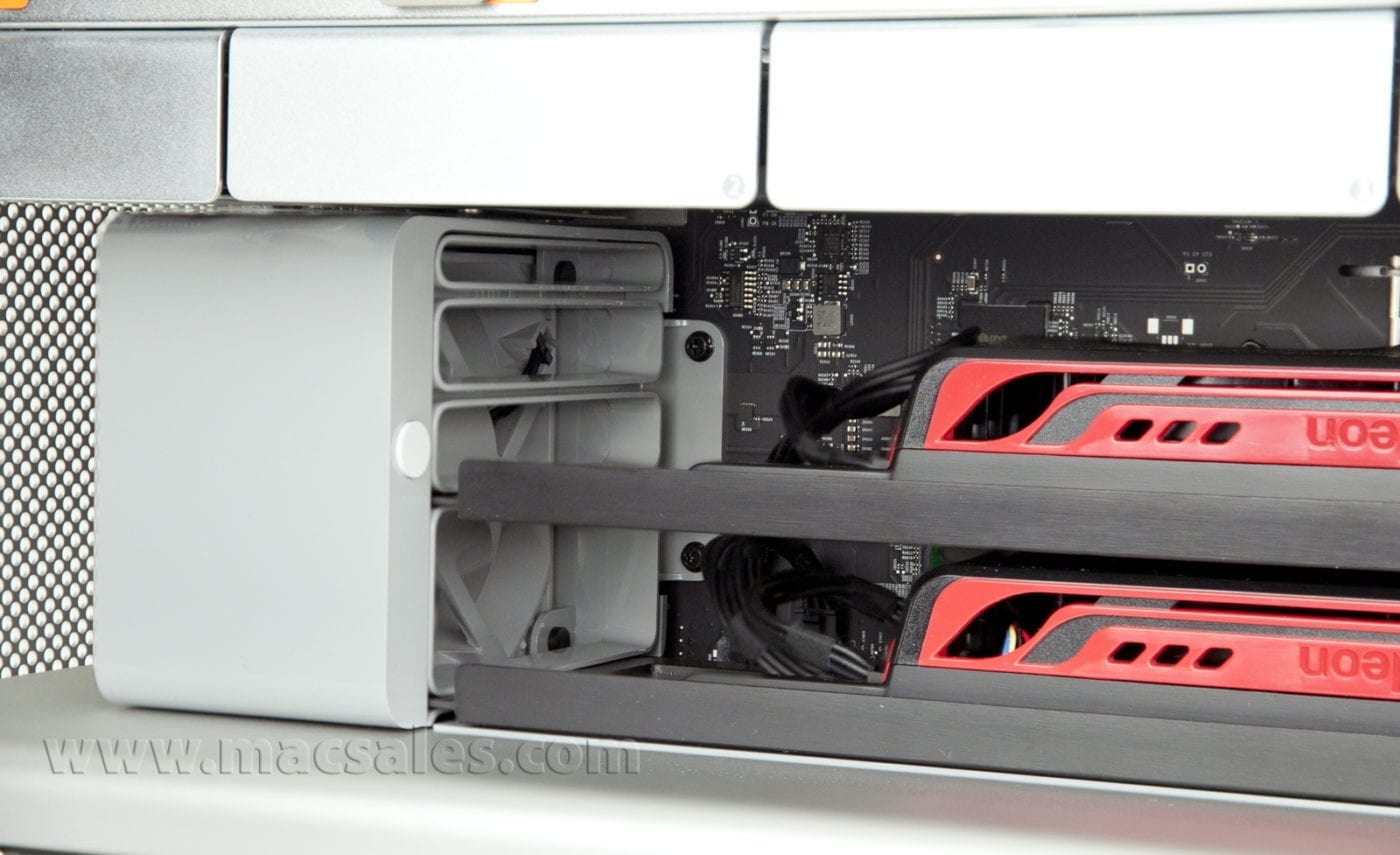
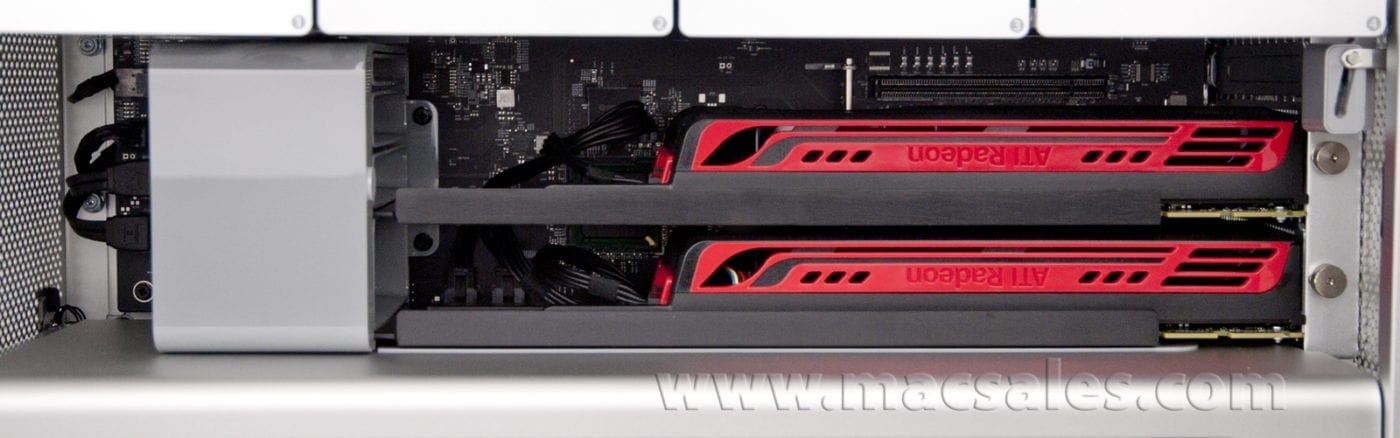
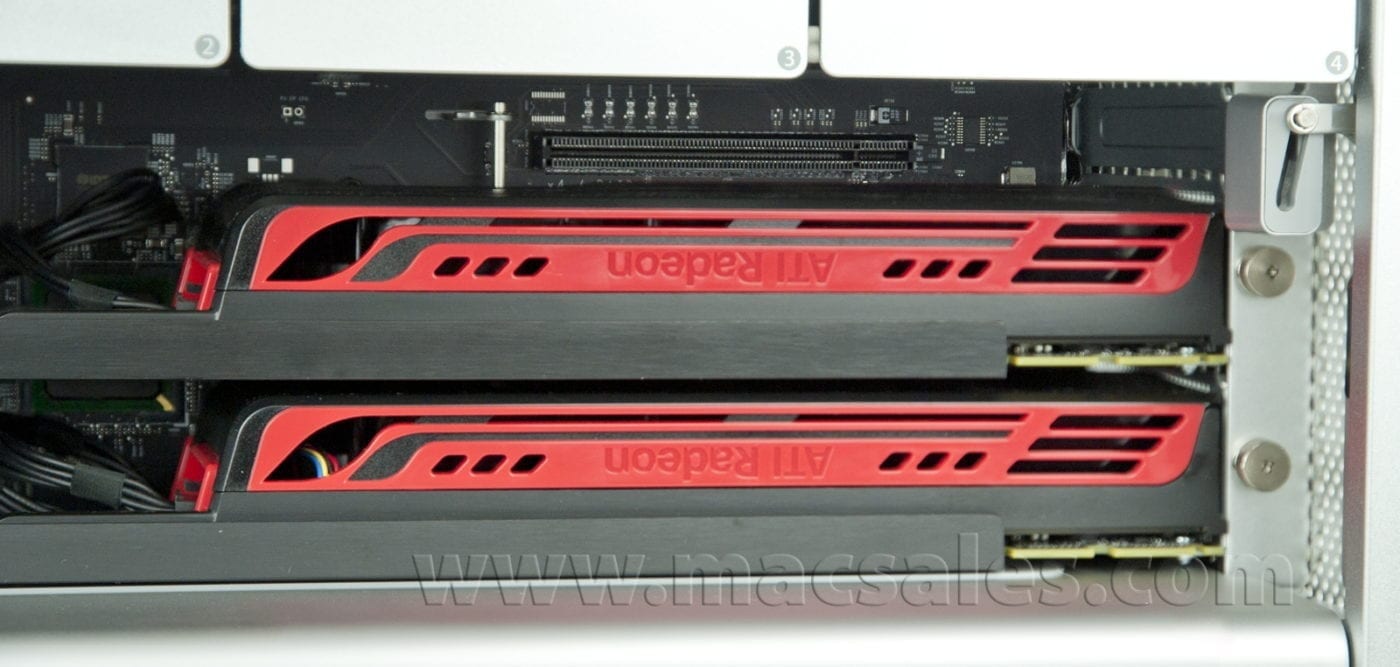
2 graphics cards? Any PCI slots available after that?
Yes, with two video cards installed it does leave one PCI slot open.
OWC Michael, how does the performance of the Icy Dock compare with using a factory installed SSD option?
The icy Dock is simply a passthrough converter to accommodate the 2.5″ HDD or SSD in a 3.5″ drive bay. Performance depends entirely on the drive installed.
It’s SO beautiful! *tear*
What about the hard drive slots? Is there a 3,5″ to 2,5″ adapter included for SSDs or do we have to get Icy Docks as usual?
If you purchased the Mac Pro without a factory installed SSD option, then you would need an adapter such as the Icy Dock to convert the 3.5″ bay to accept a 2.5″ SSD drive.
http://eshop.macsales.com/item/IcyDock/MB882SP1S2B/
Is there any advantage to using two video cards to drive, say, two 30inch displays, over Apple’s recommended dual-link DVI adaptor cable?
I cannot think of any reason that using two 5770 or 5870 cards over just one would offer any performance advantages. These cards are equipped to handle up to three displays each.
I ordered the 2.93Ghz 12-Core/1Gb 5870/6Gb of ram/2TB HD/two 18x SuperDrives, OWC 12-Core is that a 5770 or 5870?
On this particular model, we opted for dual 5770 video cards.
@Nadav: That’s exactly what it is; it’s got the same motherboard as the 2009 Mac Pro just with newer firmware to support the newer CPUs and faster RAM.
THIS LOOKS LIKE A 2009 MAC PRO!!! Except for the westmere firmware and gpus…
So pretty!
Do I see 2 display cards in there? Are you going to run 4 displays? :-)
Yes, those are two video cards in there. I’m not sure where this particular machine will end up, but a 4 display setup is quite possible.
Then again, considering the card specs, so is a 6-display setup… ;-D
Hmmm… possibilities…