Over the years, I’ve managed to amass a large amount of apps for my iOS devices. Some of them are really good and I use them daily. Others, I wind up being less-than-enamored with, and quickly remove them. This is all well and good; well over 90% of the stuff on my iPad, iPod touch, and iPhone I got for free, so I have no problem deleting it.
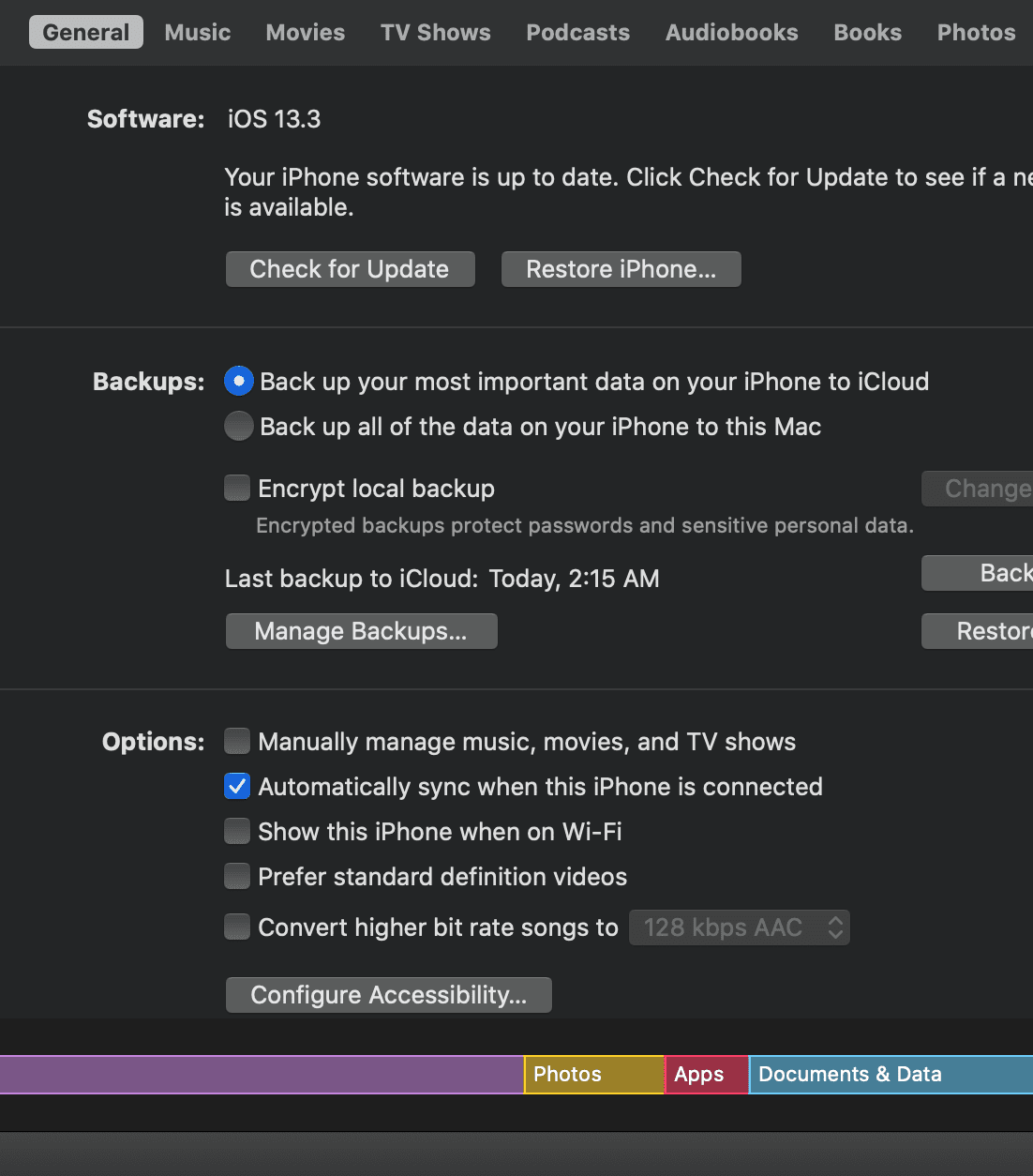
The problem is, even though I have deleted these apps from my devices, the odds are that I originally downloaded them via iTunes (or wound up syncing them there), and they still reside in my library. I took a look recently, and realized I had well over 750 of apps, most of which I wasn’t using. That’s a lot of space that could be used for more important things.
The most obvious solution for this would be to simply go through my iTunes library and simply delete the apps I don’t use. This would be fine, except that I have three iOS devices, each with apps that aren’t on the other ones. It would be a nightmare of cross referencing over 750 apps to see which ones were used and which ones weren’t. As the popular meme goes, “Ain’t nobody got time for that!”
Fortunately, there’s a simpler solution, using the built-in tools in iTunes 11. Article Continues…

This morning, the online Apple Store has been taken down temporarily stating “We’re busy updating the Apple Store for you and will be back soon.” This action usually indicates a new product being released or updated.
Many around the OWC offices have been waiting with bated breath for today’s iPhone announcement. Like most Apple announcements, there have been a lot of rumors swirling around this event: the iPhone 5, iPhones on Sprint, iPod Touch spec bumps, iOS5’s “Assistant” feature, and even the cancellation of the iPod Shuffle and/or Classic.